Prodotti
NAVOO Digital Guide
La tua struttura
Show your guests all the menus and treatments you offer
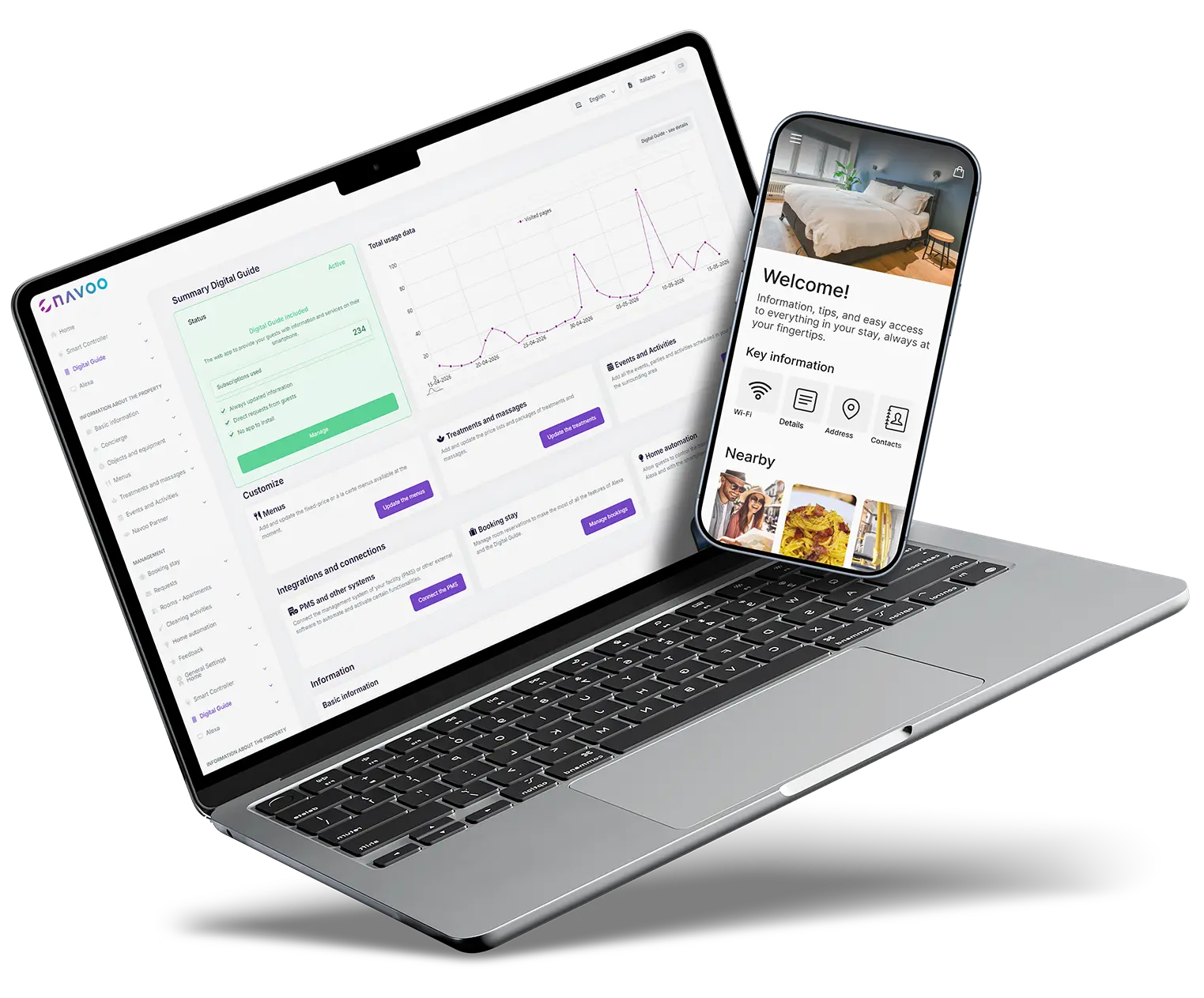
With NAVOO Digital Guide, you can collect your menus and treatments in a single link that guests can view from their phone.
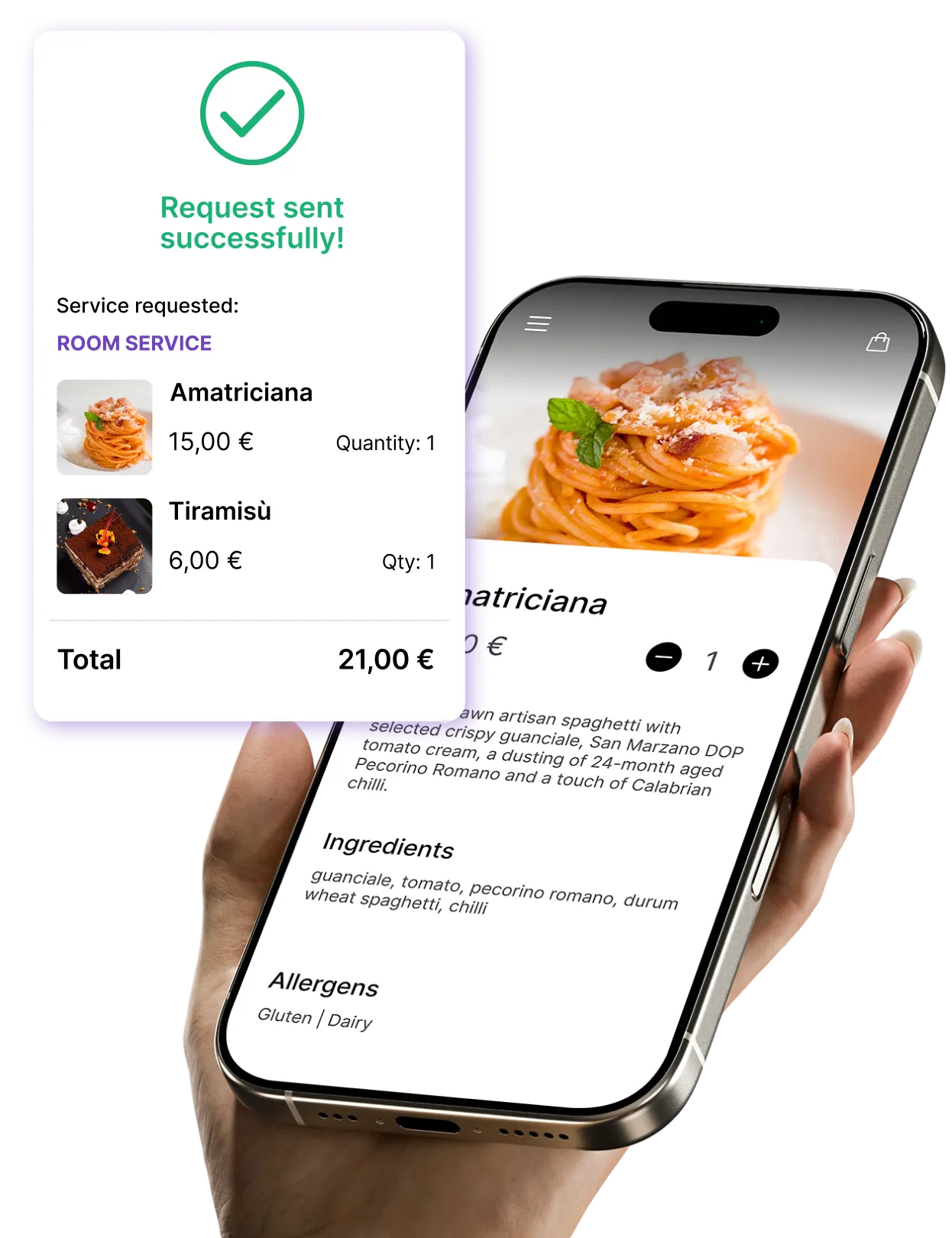
Guests can view photos, prices and details, and if you enable booking, they can send a request on their own.
Menus and treatments, ready to browse and book
From dishes to spa packages: here’s what you can display and update independently.
Complete meals
Description, ingredients, allergens, price
Multiple menus
Lunch, dinner, room service, drink list, wines
Menu types
À la carte, fixed-price or weekly menu
Availability and hours
Specific days, time slots and periods
Table or room requests
From the guide, guests can send table or room requests. In the control panel, you’ll find a dedicated page for room orders and a kitchen summary of dishes to prepare, both exportable to PDF and ready to print.
Full Details
Location, duration, price, description and photos
Packages
Multiple treatments at a single price
Price lists by category
Categorized by type: massages, facials, packages
Availability
Specific days, time slots and periods
With reservations enabled, requests for menus and treatments come directly from the guide.
Here's how
works (in 3 steps)
Here's how it works (in 3 steps)
NAVOO Digital Guide is a web app: guests can open it from a link in their browser, without downloading an app.
You manage it from the control panel, the NAVOO Console, and guests can view menus and treatments from their phone and, if you enable bookings, send requests on their own.
1
CREATE MENUS AND TREATMENTS
Upload menus, dishes, treatments, price lists and packages from the NAVOO control panel.
2
ADD DETAILS AND
RESERVATIONS
Add photos, prices and information, and enable booking requests.
3
UPDATE IT ON YOUR OWN
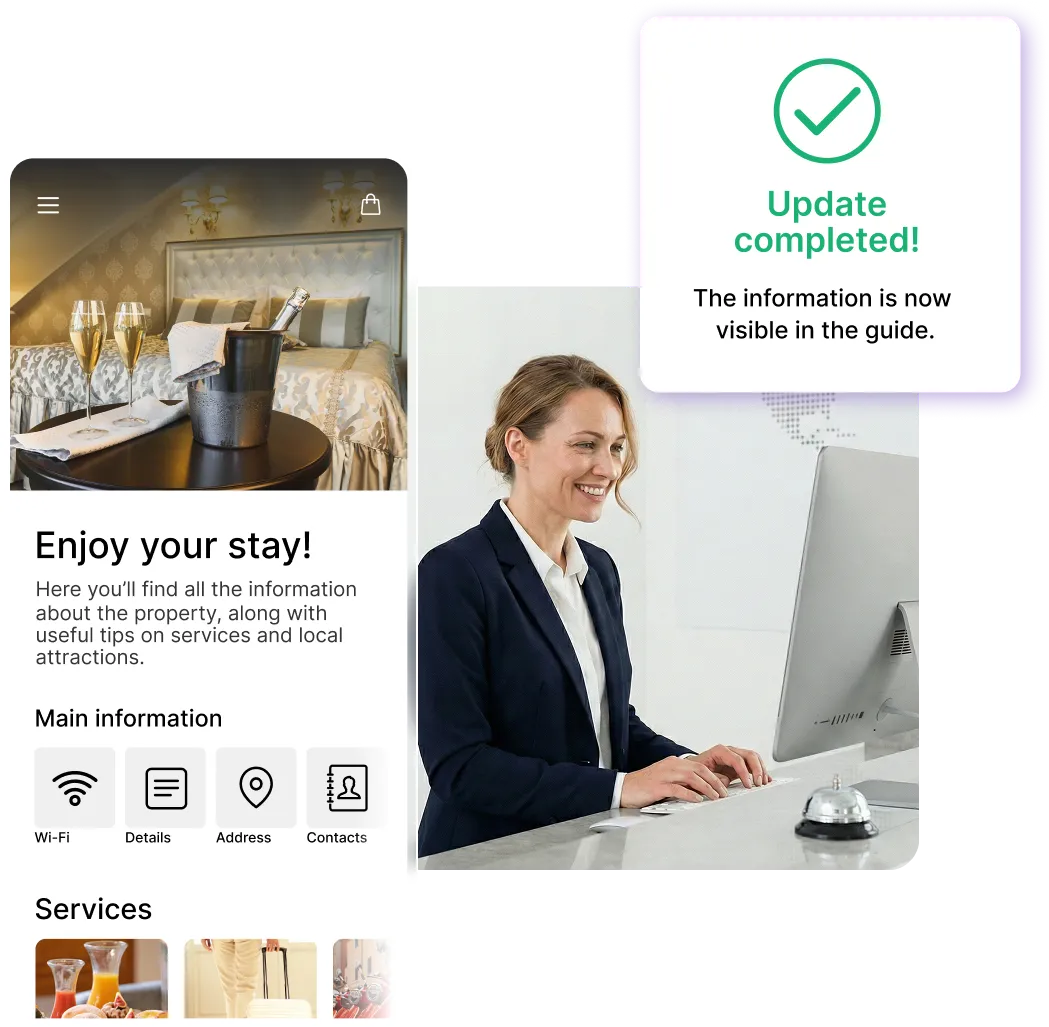
Make changes with just a few clicks from the control panel, and the guide updates automatically.

Sign up for the newsletter and activate NAVOO Digital Guide:
the first month is free.
Before and after NAVOO: what really changes
- Paper menus that need to be reprinted and updated constantly
- Prices, allergens, and other details are asked to the staff every time
- Food requests are scattered across chats, calls and notes
- Spa reservations are managed manually, with a risk of errors
- Dining room and kitchen work without a clear summary of orders
- Menus and treatments are always available from guests’ phones, all in one link
- Photos, prices, duration, allergens and details are always up to date
- Food orders are organized by table or room
- Reservations for menus and treatments can be made directly from the guide
- Ready-to-use summaries for staff, exportable to PDF
See also
Property services
Show services and activities with details, and, if you’d like, enable requests directly from the guide.
Local tips and events
Restaurants, attractions, tours, and events: authentic tips for getting the most out of the area.
Items and maintenance
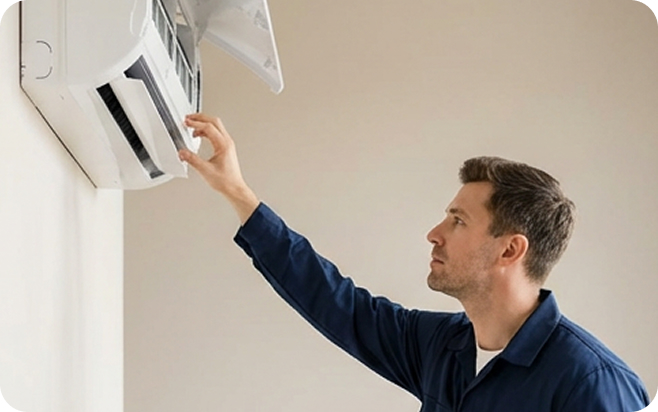
Guests can request additional items and report issues with just a few taps, right from their phones.
See also
Property services
Show services and activities with details, and, if you’d like, enable requests directly from the guide.
Local tips and events
Restaurants, attractions, tours and events: authentic tips for getting the most out of the surrounding area.
Items and maintenance
Guests can request additional items and report issues with just a few taps, right from their phones.
- Free activation: no installation and no upfront costs
- Self-management: you can set it up in just a few minutes and update it whenever you want
- Flexible: a monthly subscription that you can pause and reactivate whenever you want