



Create your guide in 5 easy steps

You can create your NAVOO Digital Guide in just a few minutes: from the NAVOO Console, follow the step-by-step instructions, add information, services and useful details, and your guide is ready. You don’t need to install anything, and no technical skills are required: everything is simple and clear.

Your NAVOO Digital Guide,
ready in 5 easy steps

Your NAVOO Digital Guide, ready in 5 easy steps

01

Create your first property

Log in to the control panel and, after signing up, click “Create a property.” A property can be an apartment, a holiday home, a B&B, or a hotel. You’ll always find the “Instructions” button for quick help during setup.

02

Enter the information for your guests

Fill in the fields with relevant information: Wi-Fi, check-in/check-out times, extra services, useful numbers, menus, or local attractions. You can edit and update the information at any time. With AI, you can translate text into Italian, Spanish, French, and German.

03

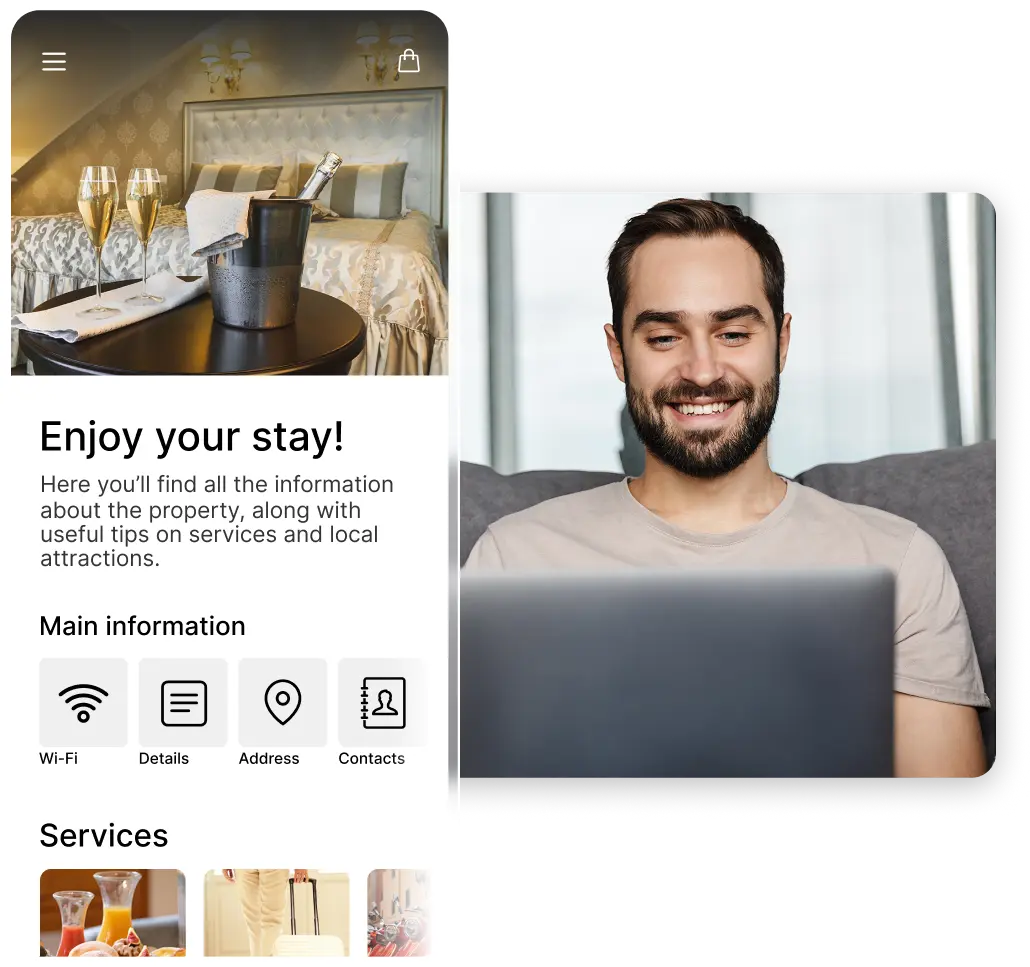
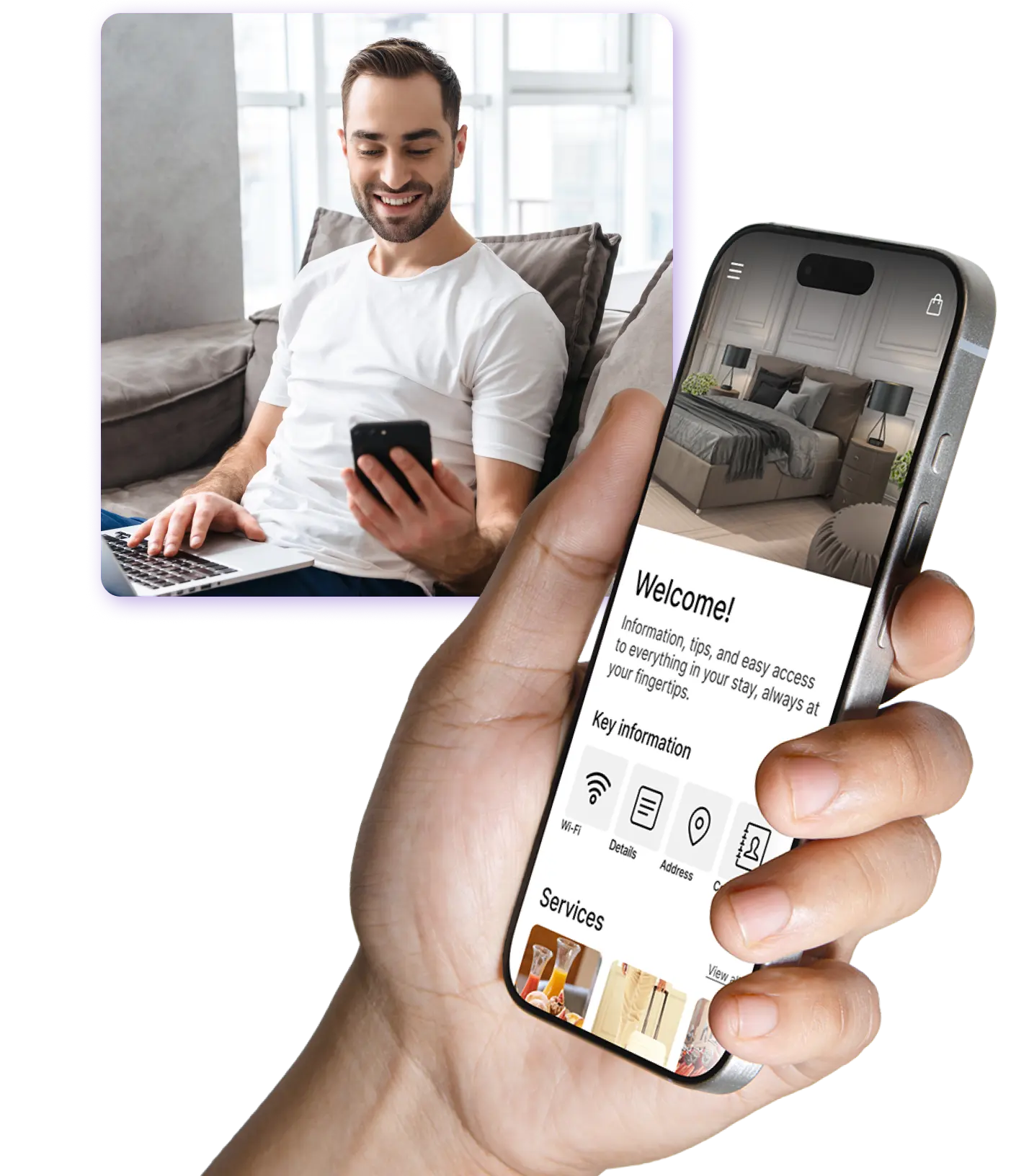
Test the guide on your smartphone

Before sharing it, open it on your phone and check how it will look to your guests. The guide updates in real time: every change is saved immediately, and you can see it right away.

04

Print the QR code and share the link

From the control panel, download the ready-to-print QR code and the guide link. You can include them on an information sheet, in the guest room, or in your promotional materials, or send them via text message, WhatsApp, or email. This way, guests always have the guide at their fingertips, even before they arrive.

05

Activate your subscription

Activate your subscription only when you decide to make the guide available to your guests. The subscription renews monthly, and you can cancel it at any time. All content is saved, so you can reactivate it whenever you want; for example, only during your business season.

🎁 1st month free with newsletter subscription

Sign up for the newsletter and activate NAVOO Digital Guide:
the first month is free.

Free activation, zero strings attached

Create your NAVOO Digital Guide on your own: you only pay when you make it available to your guests, and you can pause it whenever you want.

Do you have any questions?

No, NAVOO Digital Guide opens from a link, directly in the browser (like a normal web page), on smartphones.

No. Just follow the step-by-step instructions in the NAVOO Control Panel and do it all on your own.

No. You can create and set up the guide with no activation fees. You only pay when you decide to make it available to your guests.

Yes. You can manage multiple properties from the same account and create a guide for each one.

Yes. You can update from the dashboard at any time, and your changes will be saved immediately.

Still have doubts? Write to us and we will help you.