Give guests smart room control from their phone

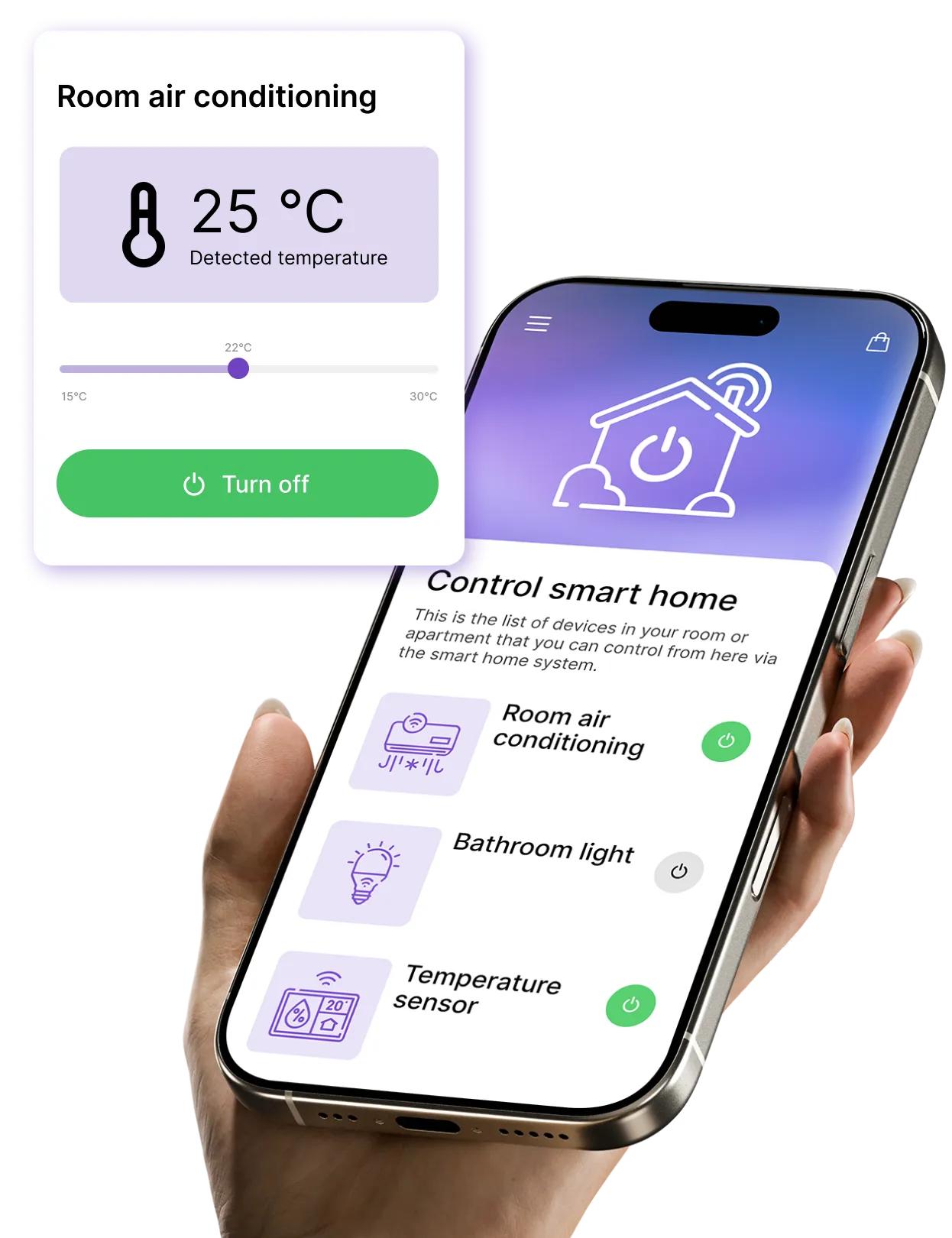
With NAVOO Digital Guide, guests can control compatible room devices from their smartphone, including lights, temperature and curtains, with no app to download.

What guests can control from the guide

With NAVOO Digital Guide, you can integrate systems such as Shelly or STS and give guests control over the devices in their room.

Lights

turn the lights in the room on and off

Brightness

adjust the light intensity

Heating

turn it on, turn it off, and adjust the temperature

Curtains

open and close motorized blinds

Thermostat

set the desired temperature

Air conditioning

turn it on, turn it off, and adjust the temperature

And that's not all

You can add other compatible devices and decide what guests can control in each room or apartment.

Would you like to automate the management of your property?

With NAVOO Digital Guide, guests can control lights, heating and air conditioning from their smartphones.


With Smart Controller, you can also set up automations: devices turn on, turn off or adjust at the right time, based on check-in and check-out times, reducing manual checks and energy waste.

Temperature

Create rules to turn on, turn off, and automatically adjust thermostats and air conditioners, both before check-in and after check-out.

Lights and other devices

Control lights and automation systems automatically, but step in manually when needed. All from a single control panel, even from your smartphone.

Doors and windows

View live alerts for doors and windows left open after check-out.

Motion

Check whether there has been any movement after check-out or activity by staff, for more control and visibility.

Here's how
works (in 3 steps)

Here's how it works (in 3 steps)

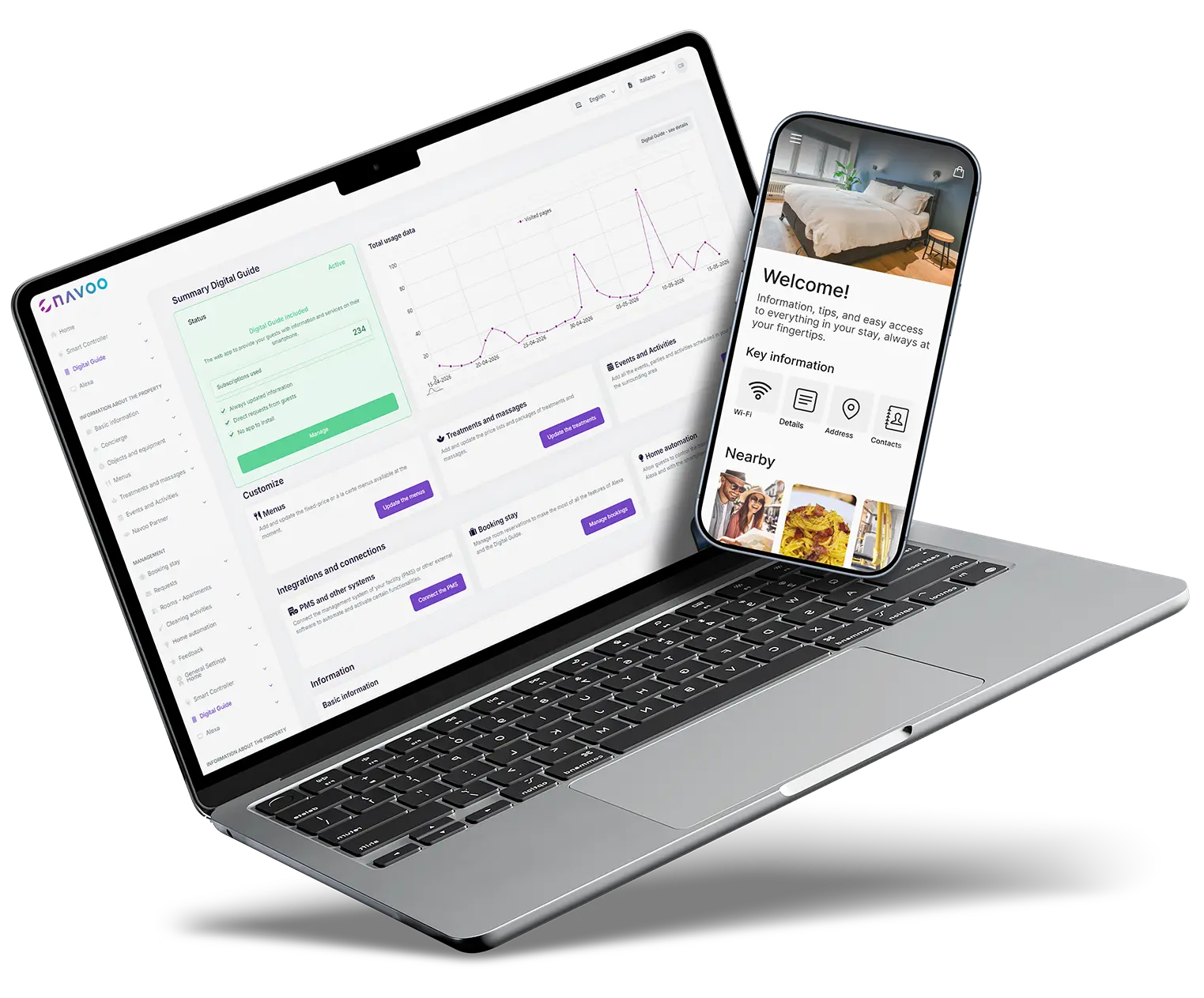
NAVOO Digital Guide is a webapp: guests open it from a link in the browser, with no app to download.


You set it up from Console NAVOO, and guests can control their room from their phone, including lights, temperature and curtains, in just a few seconds.

1

CONNECT THE DEVICES TO CONSOLE NAVOO

Connect lights, temperature control and curtains or blinds to Console NAVOO in just a few clicks.

Everything is guided, step by step.

2

ASSIGN DEVICES TO THE RIGHT ROOM

Assign each device to the correct room.
From that point on, each guest will find in the guide only the controls for their own room.

3

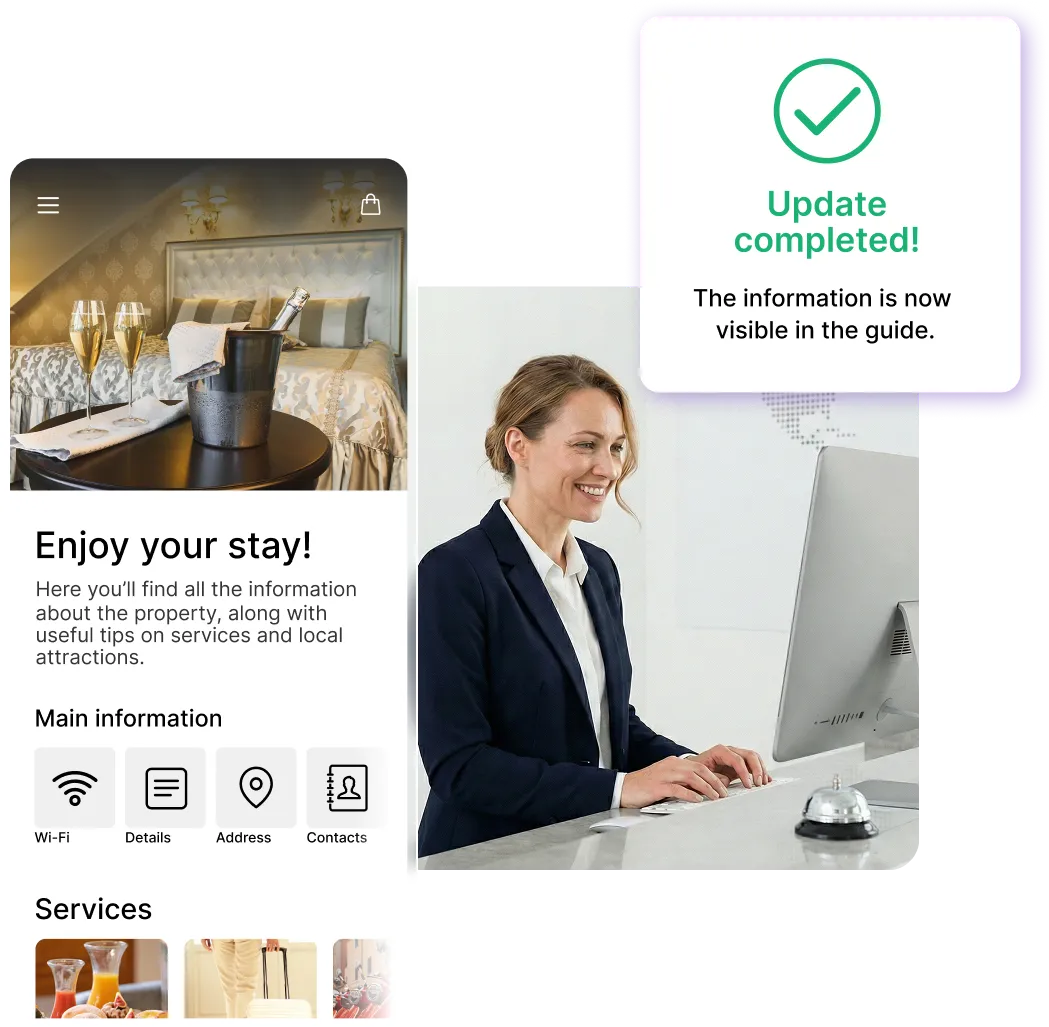
UPDATE WHENEVER YOU WANT

Would you like to move, add or remove devices? You can edit everything from Console NAVOO in just a few seconds, and the guide updates automatically.


🎁 Get your 1st month free

Sign up for the newsletter and activate NAVOO Digital Guide:
the first month is free.

See also

See also

Item requests and assistance

Guests can request additional items and ask for assistance with just a few taps, directly from their phone.

Food and wellness

Menus and treatments are always available, with requests sent directly from the guide.

Requests and reservations

Extra services and bookings: guests can request what they need directly from the guide.

Free activation, zero strings attached