

Products
NAVOO Digital Guide
Your property
Prices
NAVOO Digital Guide for vacation rentals and apartments
NAVOO Digital Guide is a digital guide guests can access from their smartphone via link or QR code.
It helps share useful information, house rules, local tips and services all in one place, reducing repetitive messages and simplifying remote management.
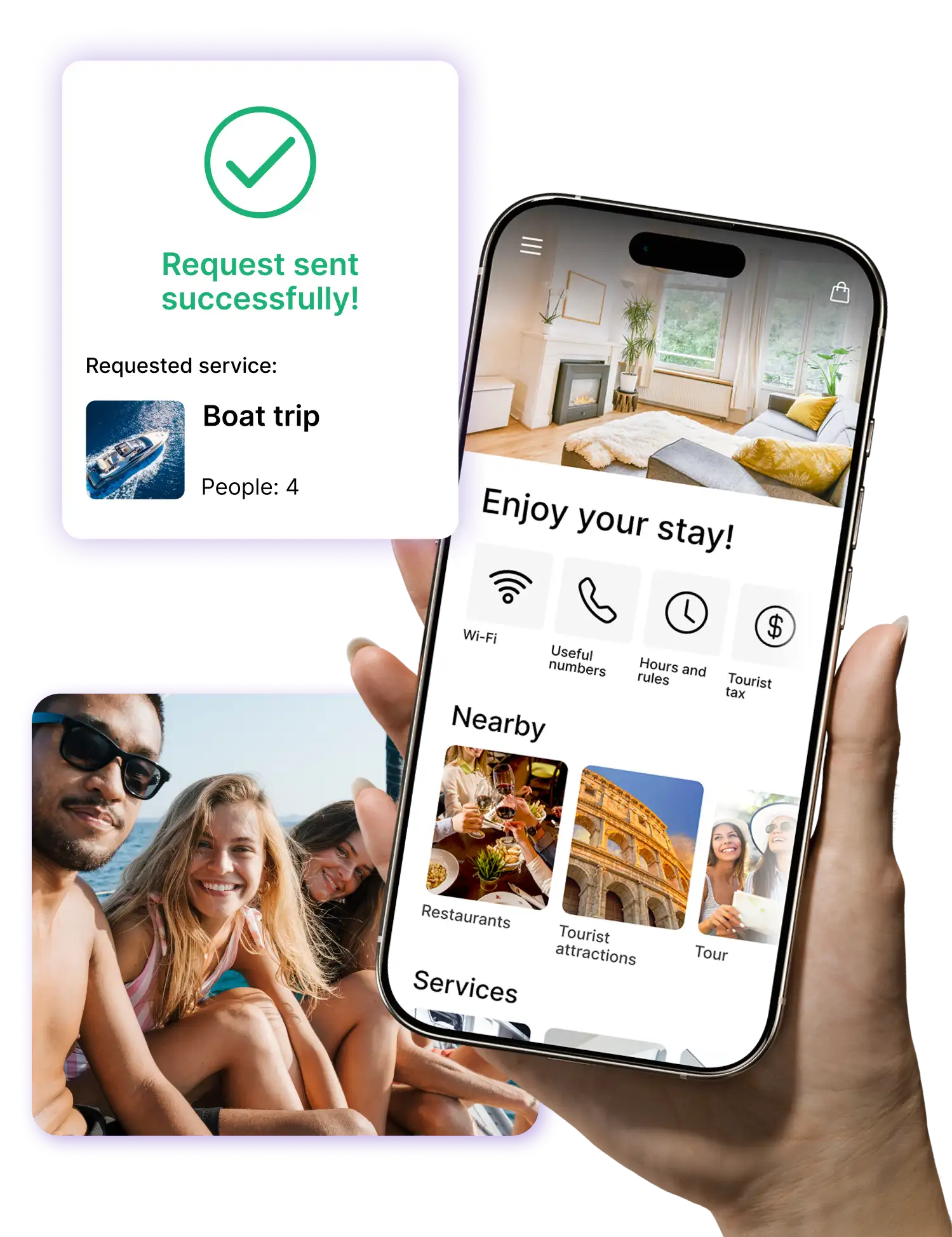
Before and after NAVOO Digital Guide
- If you manage multiple properties, it becomes harder to keep track of information and updates
- Local tips, activities and useful information have to be added one by one
- Even the simplest information becomes another message to manage
- Keeping everything up to date takes more time, attention and extra steps
- Manage one or more properties from Console NAVOO
- You can add activities, local tips and useful content more quickly
- Guests can find what they need more easily and independently
- Update from Console NAVOO, and changes are immediately visible in the guide
Sign up for the newsletter and activate NAVOO Digital Guide.
Your first month is free.
Here's how
works (in 3 steps)
Here's how it works (in 3 steps)
NAVOO Digital Guide is a web app: guests open it from a link in their browser, with no app to download.
You manage everything from Console NAVOO.
Here you can add and update information about your properties, such as Wi‑Fi, house rules, appliance instructions, and useful local tips.
It’s simple, fast, and requires no technical skills.
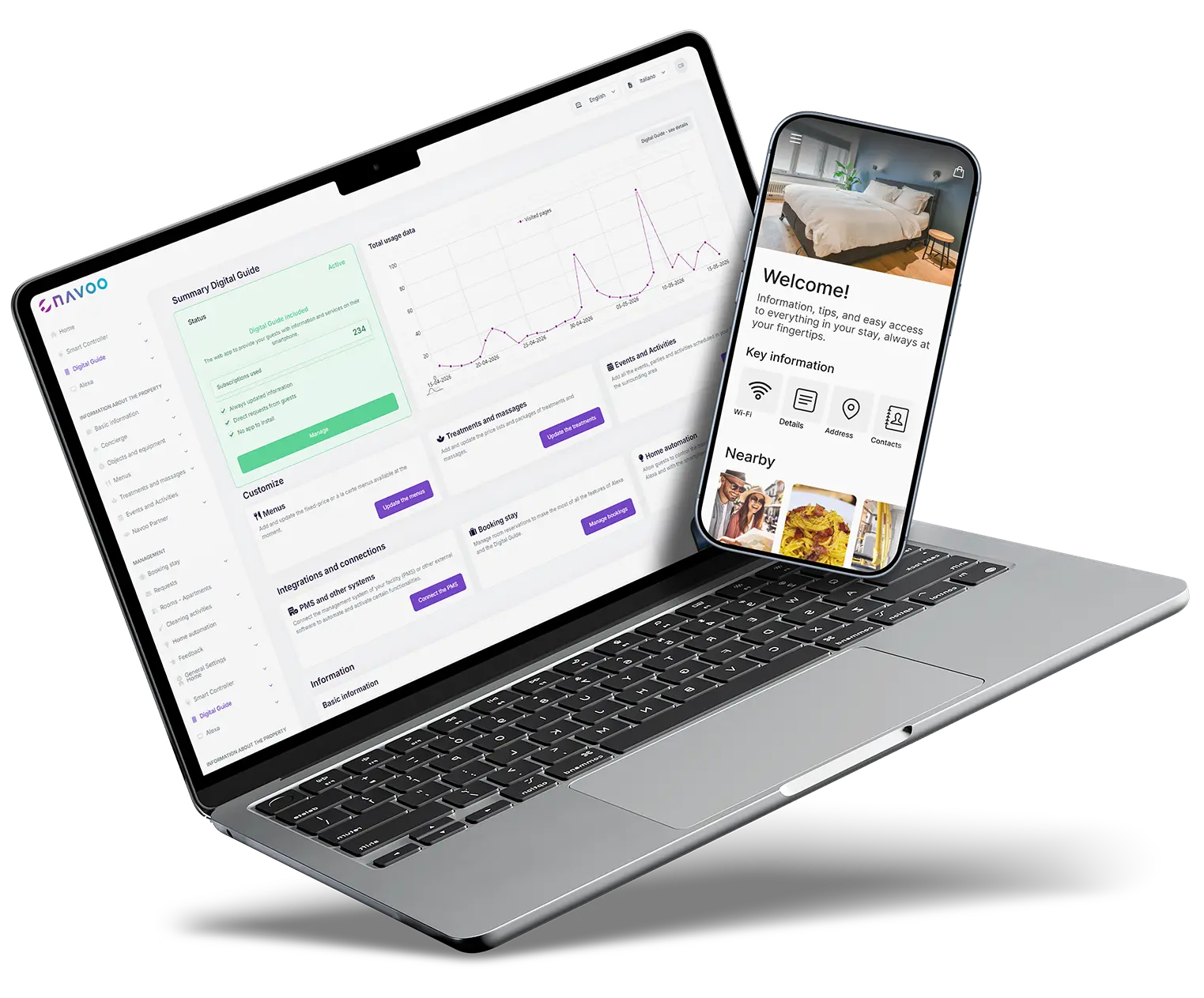
1
CREATE THE GUIDE FROM THE CONTROL PANEL
Enter Wi‑Fi details, house rules, check-in information, appliance instructions, and local tips in a clear and easy-to-use interface.
2
The Guide updates
AUTOMATICALLY
Any changes you make from Console NAVOO are automatically updated in the guide.
Guests always find what they need.
3
Manage information and track results
Centralize useful content and guest requests and, thanks to built-in statistics, get a clearer picture of how the guide is being used.
How NAVOO Digital Guide improves management and the guest experience
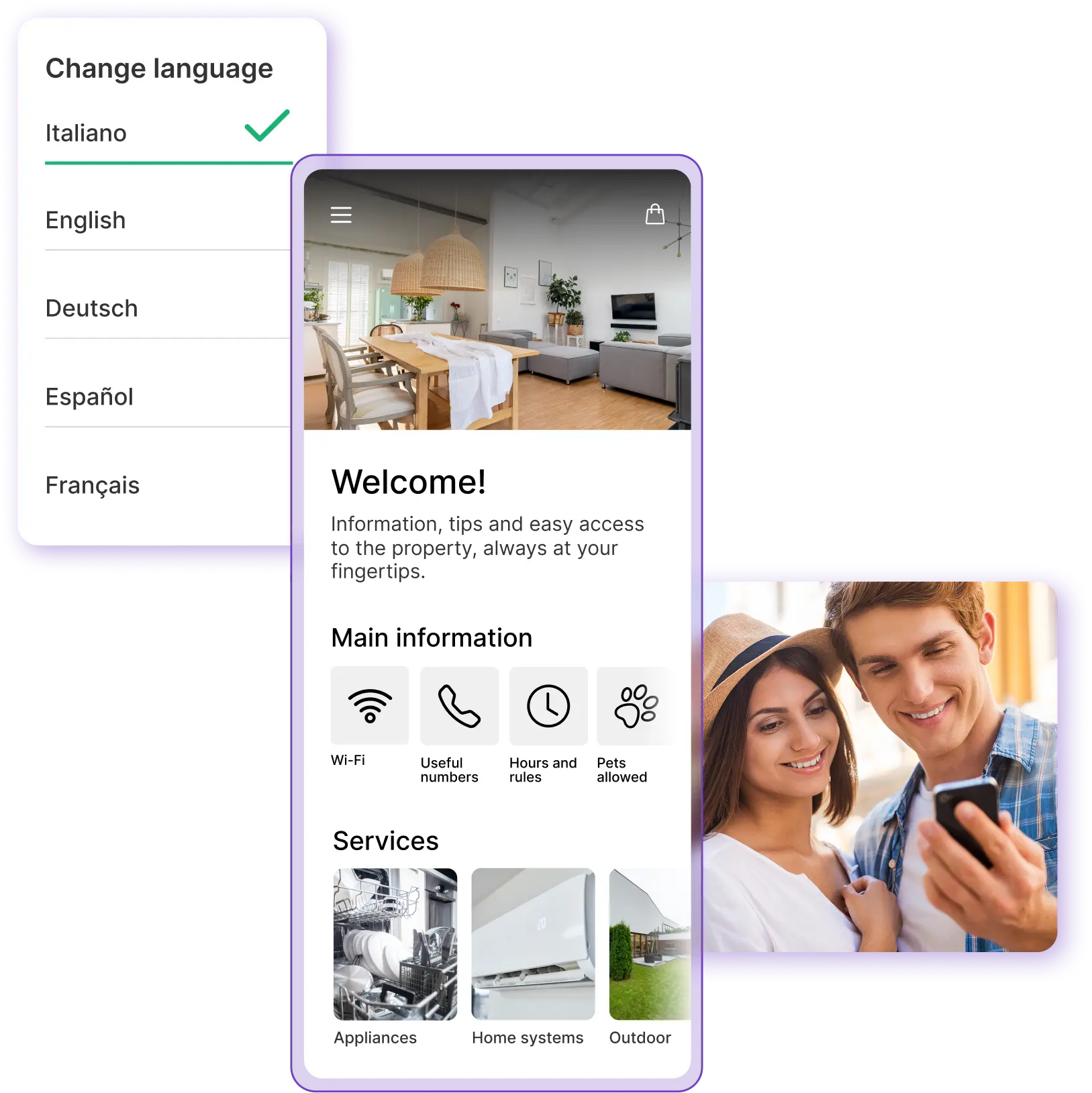
Clear information is always available
- All the information guests need in one place: access, Wi-Fi, house rules and instructions
- Fewer repetitive questions: guests can find everything on their own
- Information can be available in multiple languages
With NAVOO Digital Guide, you can collect all the essential information about your vacation rental in a clear, always up-to-date guide.
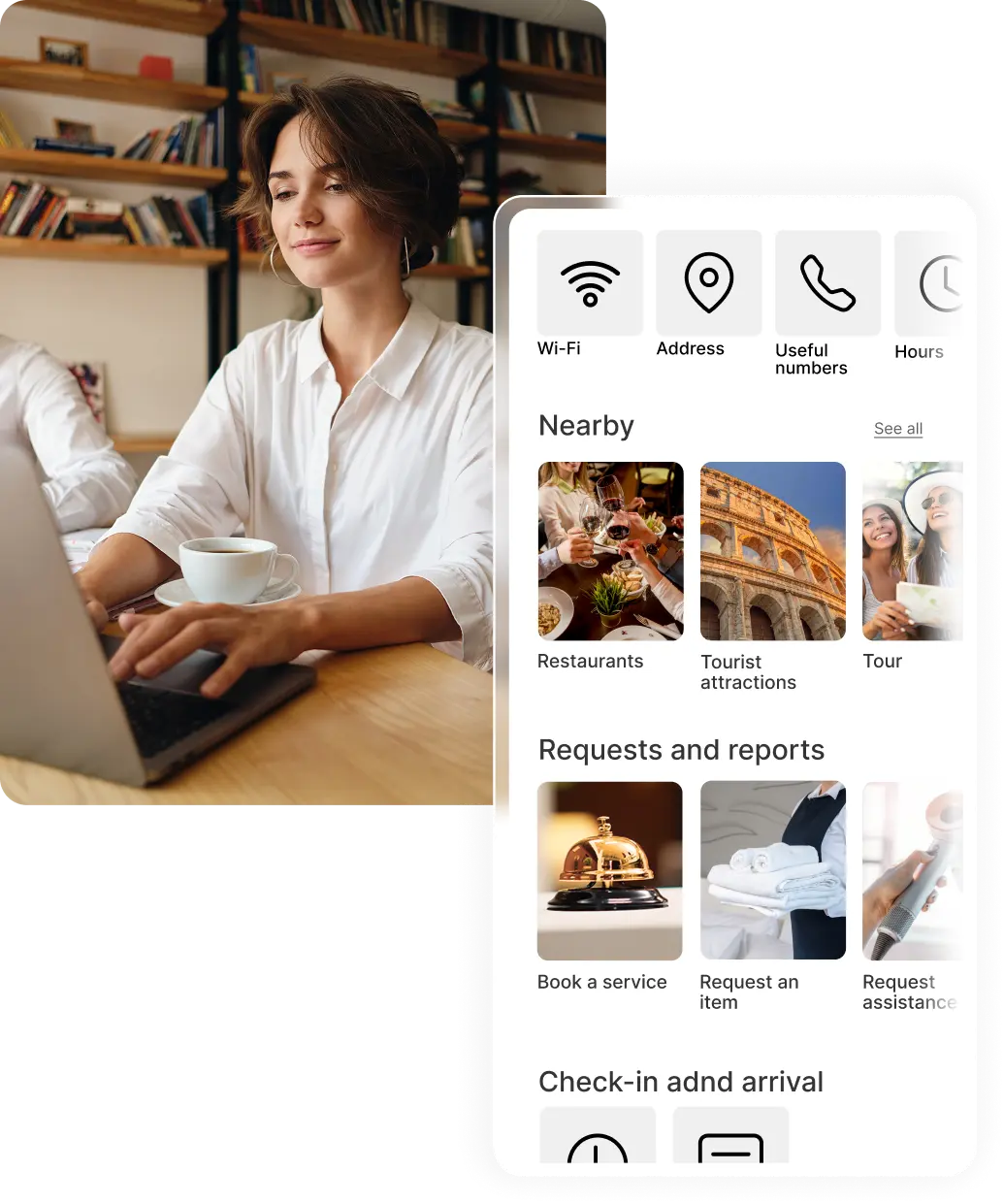
Guests can easily find access information, Wi-Fi, rules, useful instructions and details about their stay.
Simply add the content from Console NAVOO and the guide updates automatically, reducing repetitive questions and making the check-in process smoother from the start.
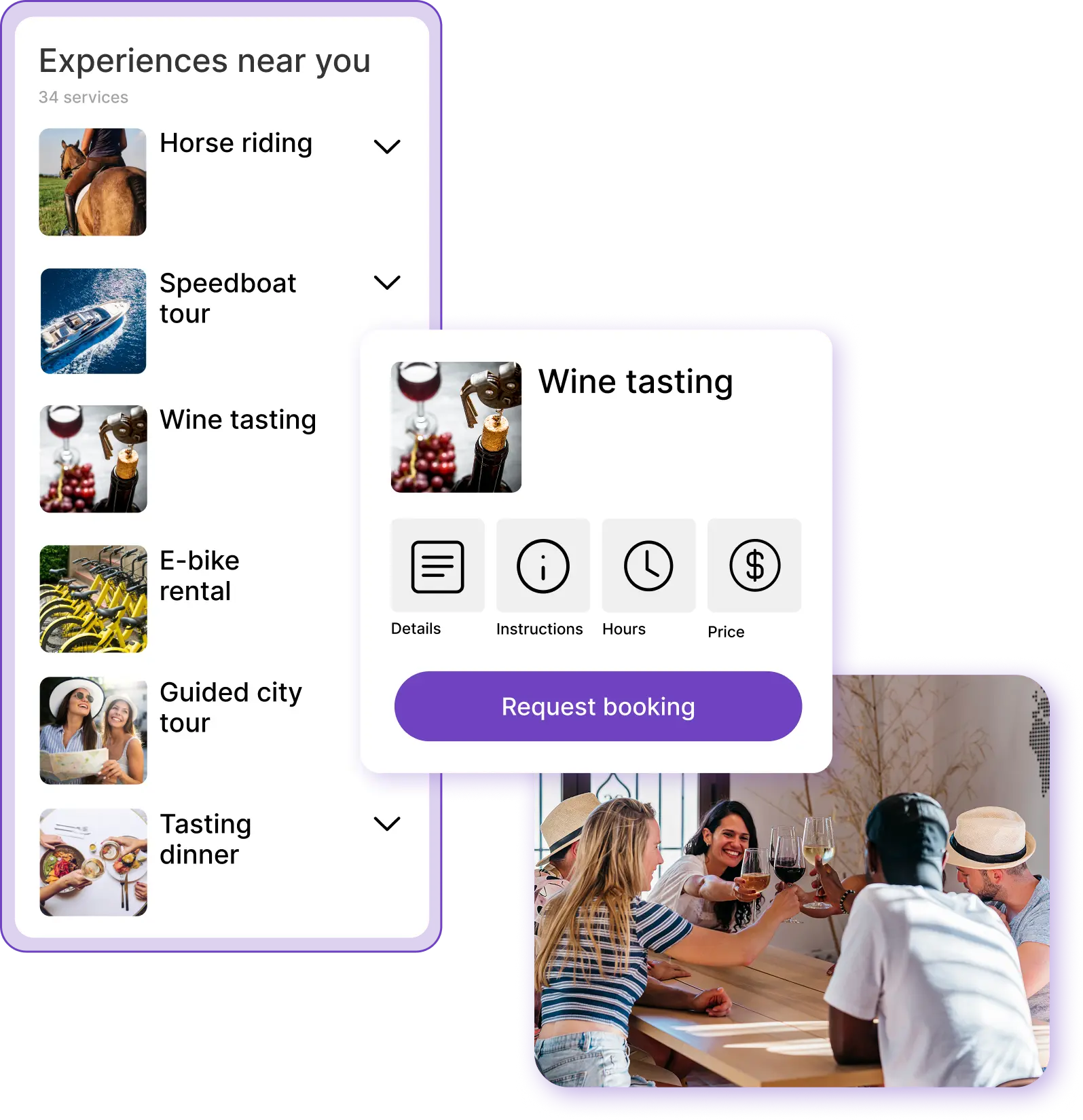
Services, local tips and featured partnerships
- Restaurants, activities, transport and points of interest selected by you
- Personalized recommendations that enhance the guest experience
- Highlight local partnerships, with the potential to generate income
With NAVOO Digital Guide, you can showcase the local area and offer guests a more complete experience, beyond information about the property. You can add restaurants, activities, transport, points of interest and local partners directly to the guide. You can also enrich it quickly with ready-to-select activities and experiences from Viator and Freedome, and allow guests to send booking requests directly from the guide.
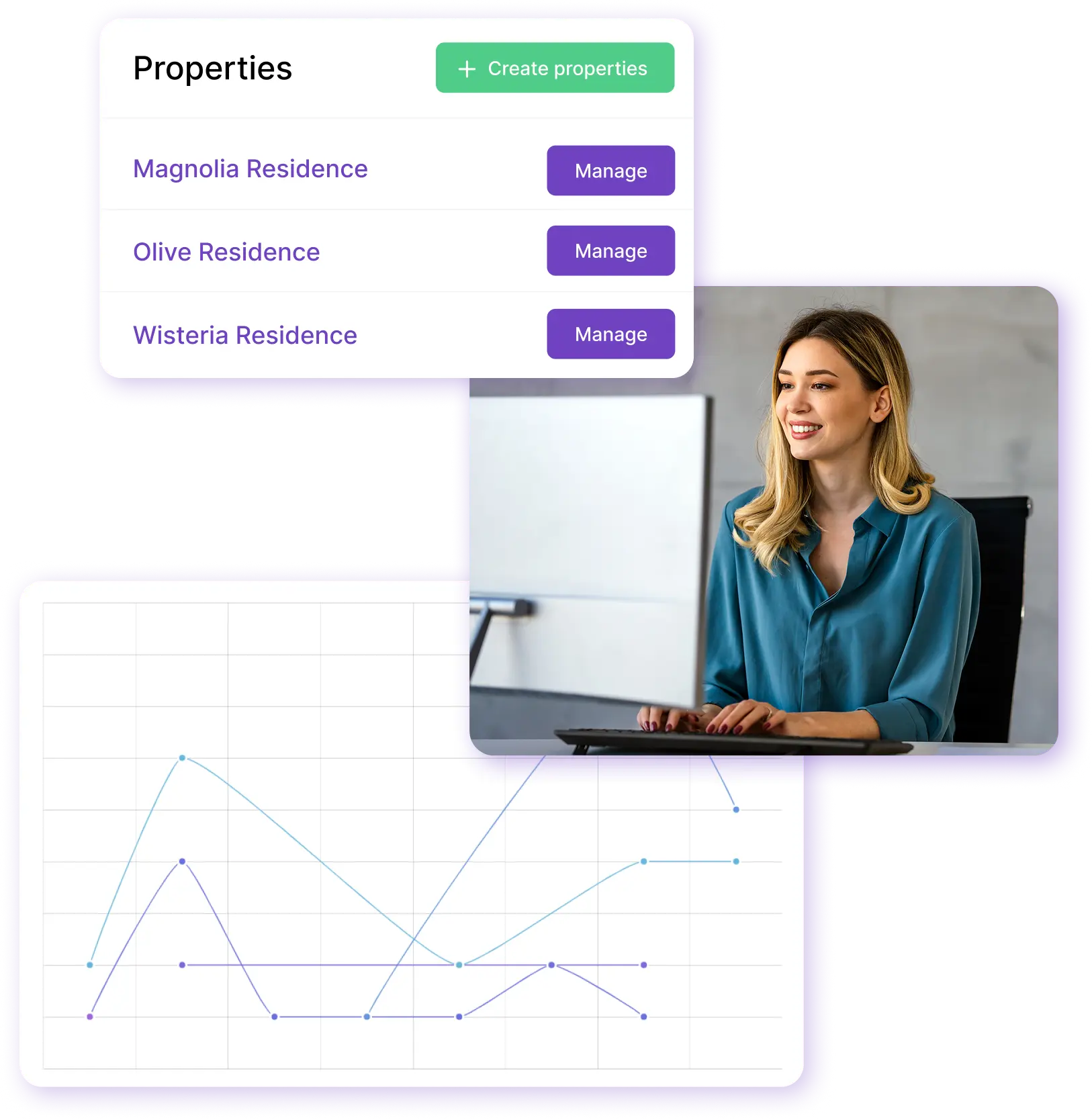
Easy remote management
- Manage all your properties from a single dashboard, wherever you are
- Organized and easy-to-manage guest requests
- Built-in statistics to help you understand what works best
NAVOO Digital Guide helps you manage one or more vacation rentals even when you’re not on site.
From Console NAVOO, you have a clear overview of your properties: you can review requests, update information and monitor how the guide is being used in just a few steps.
Built-in statistics help you understand what works and where you are saving time, making day-to-day management simpler and more organized.
Would you like to see all the details?
Would you like to automate smart property management, even remotely?
With Smart Controller, you can manage Shelly devices, sensors and automations from Console NAVOO.
Reduce manual intervention and make your Shelly devices work at the right time.
Temperature
Create rules to turn on, turn off, and automatically adjust thermostats and air conditioners, both before check-in and after check-out.
Lights and other devices
Control lights and automation systems automatically, but step in manually when needed. All from a single control panel, even from your smartphone.
Doors and windows
View real-time alerts about doors and windows left open after check-out.
Motion
Check whether there has been any movement after check-out or activity by staff, for more control and visibility.
- No installation, no activation costs
- You can set it up yourself and activate it whenever you want
- Flexible monthly subscription that you can pause at any time
Do you have any questions?
Do guests need to download an app?
No, guests can access the NAVOO Digital Guide directly from their browser, via a link or QR code.
Is this suitable for both a single property and multiple vacation homes?
Yes, NAVOO Digital Guide is suitable for both those who manage a single apartment or vacation home and those who want to manage multiple properties from a single dashboard. This allows you to better organize information, updates, and guest requests.
Can I manage it remotely as well?
Yes, you can update content, check requests, and manage one or more properties from the control panel, even when you’re not on site.
Can guests view it in multiple languages?
Yes, the NAVOO Digital Guide is available in multiple languages, making it easier to understand for international guests as well.
Can guests submit booking requests through the guide?
Yes, if you enable this feature, guests can submit booking requests directly from the NAVOO Digital Guide for activities, experiences, or other available services.
Can I pause my subscription?
Yes, if there are times when you don’t need it, you can manage your activation flexibly.
Still have questions? Write to us and we’ll help you.
