Products
NAVOO Digital Guide
Your property
Prices
Show your guests all the menus and treatments you offer
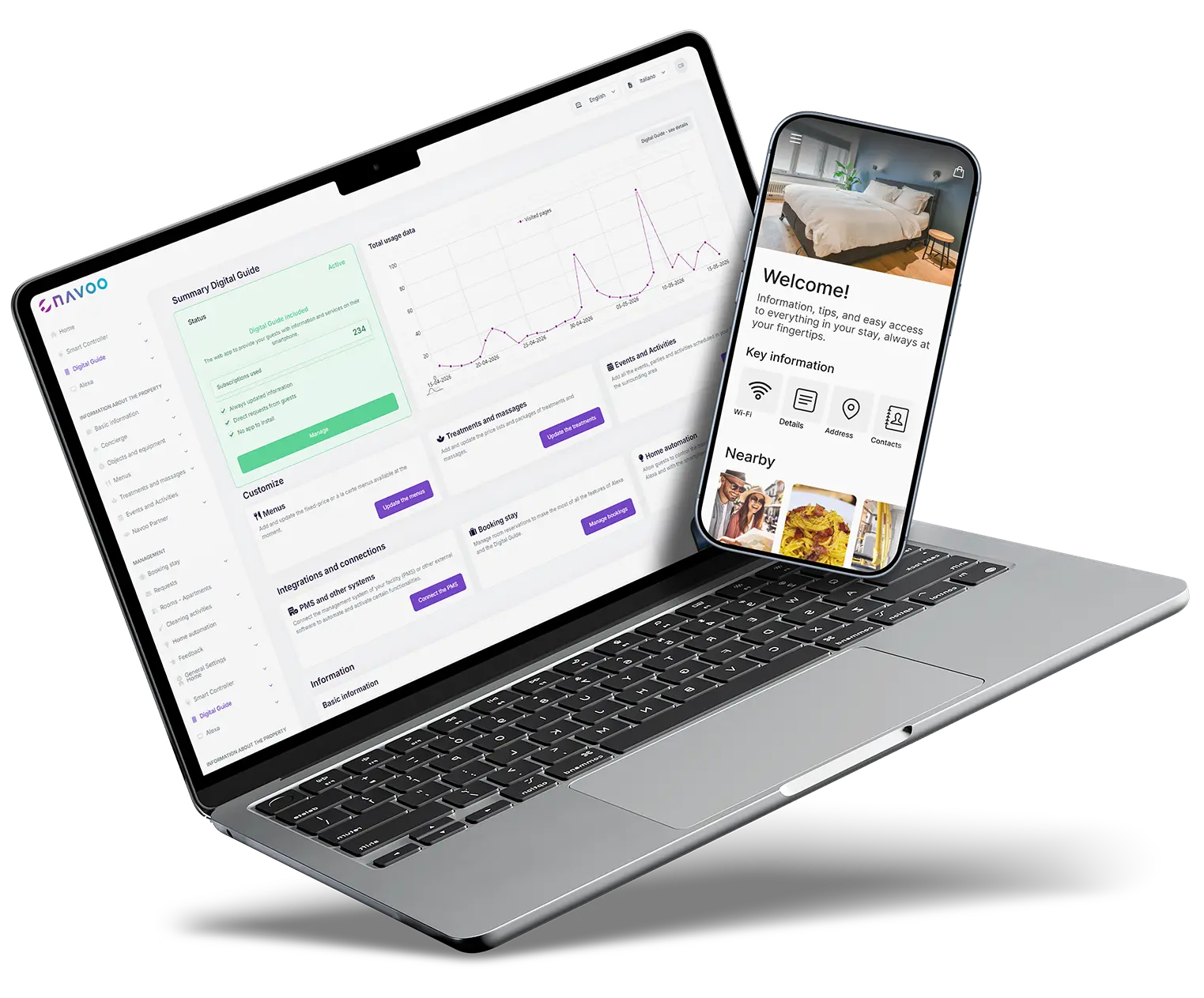
With NAVOO Digital Guide, you can collect menus and treatments in a single link, accessible from any phone.
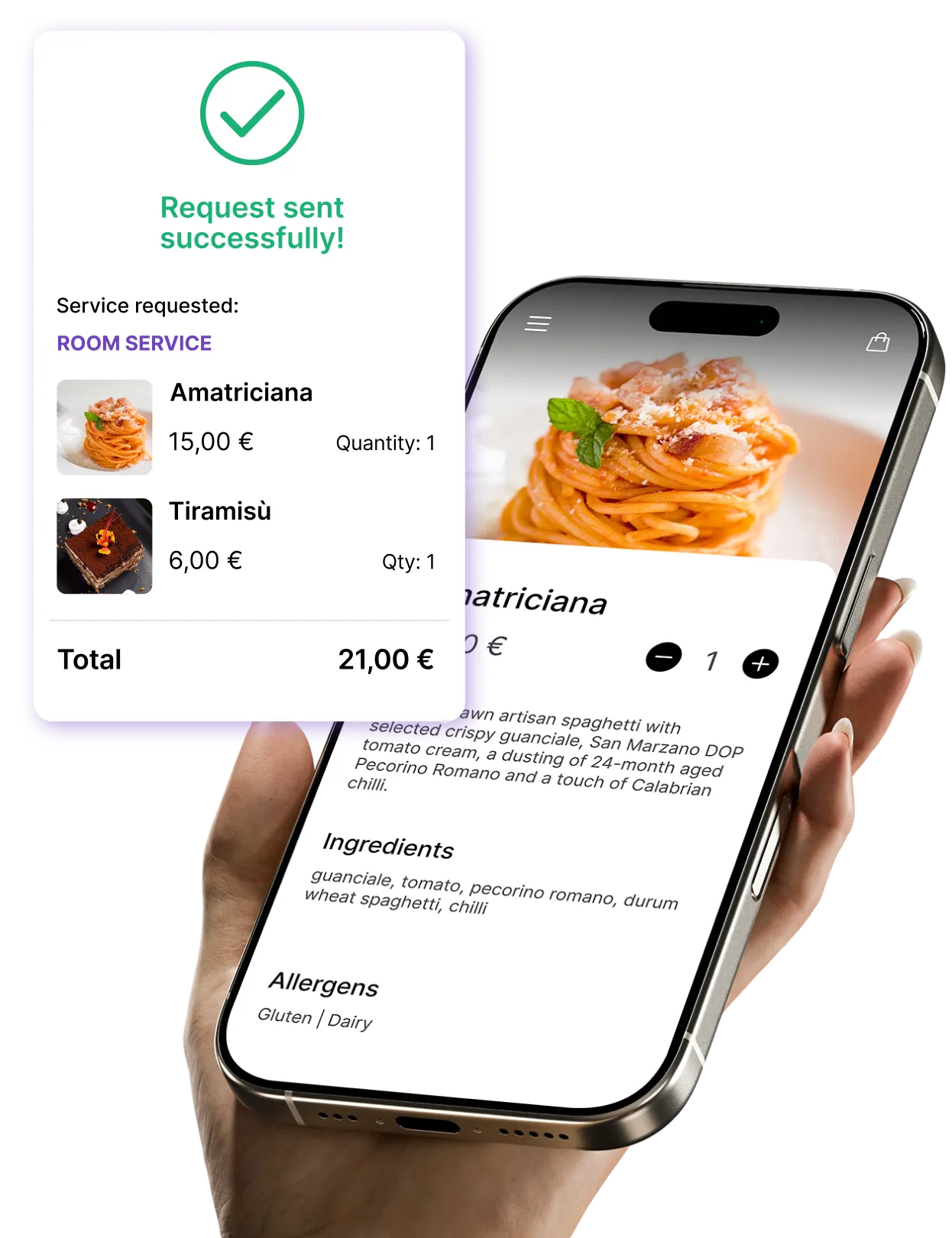
Guests can view photos, prices and details, and if you enable booking, they can send a request independently.
Menus and treatments, ready to browse and book
From dishes to spa packages: here’s what you can show and update independently.
Complete meals
description, ingredients, allergens, price, photos
Multiple menus
lunch, dinner, room service, drink menu
Menu types
À la carte, set menu (fixed price), or weekly menu
Availability and hours
specific days, time slots, and periods
Table or room requests
From the guide, guests can send table or room requests. In Console NAVOO, you’ll find a dedicated page for dining room orders by table and a dedicated page with the kitchen summary of dishes to prepare. Both can be exported as PDFs, ready to print if the staff needs them.

Complete details
location, duration, price, description, photos
Packages
Multiple treatments at a single price
Price lists by category
organized by massage, treatments etc
Availability
specific days, time slots and periods
With bookings active, requests for menus and treatments arrive directly from the guide.
Here's how
works (in 3 steps)
Here's how it works (in 3 steps)
NAVOO Digital Guide is a webapp: it opens from a link in the browser, with no app to download.
You manage it from Console NAVOO, and guests can view menus and treatments from their phones and, if you enable bookings, send requests independently.
1
Create menus and treatment
Upload menus, dishes, treatments, price lists and packages from Console NAVOO.
2
ADD DETAILS AND BOOKINGS
Add photos, prices, information and enable booking requests.
3
UPDATE IT INDEPENDENTLY
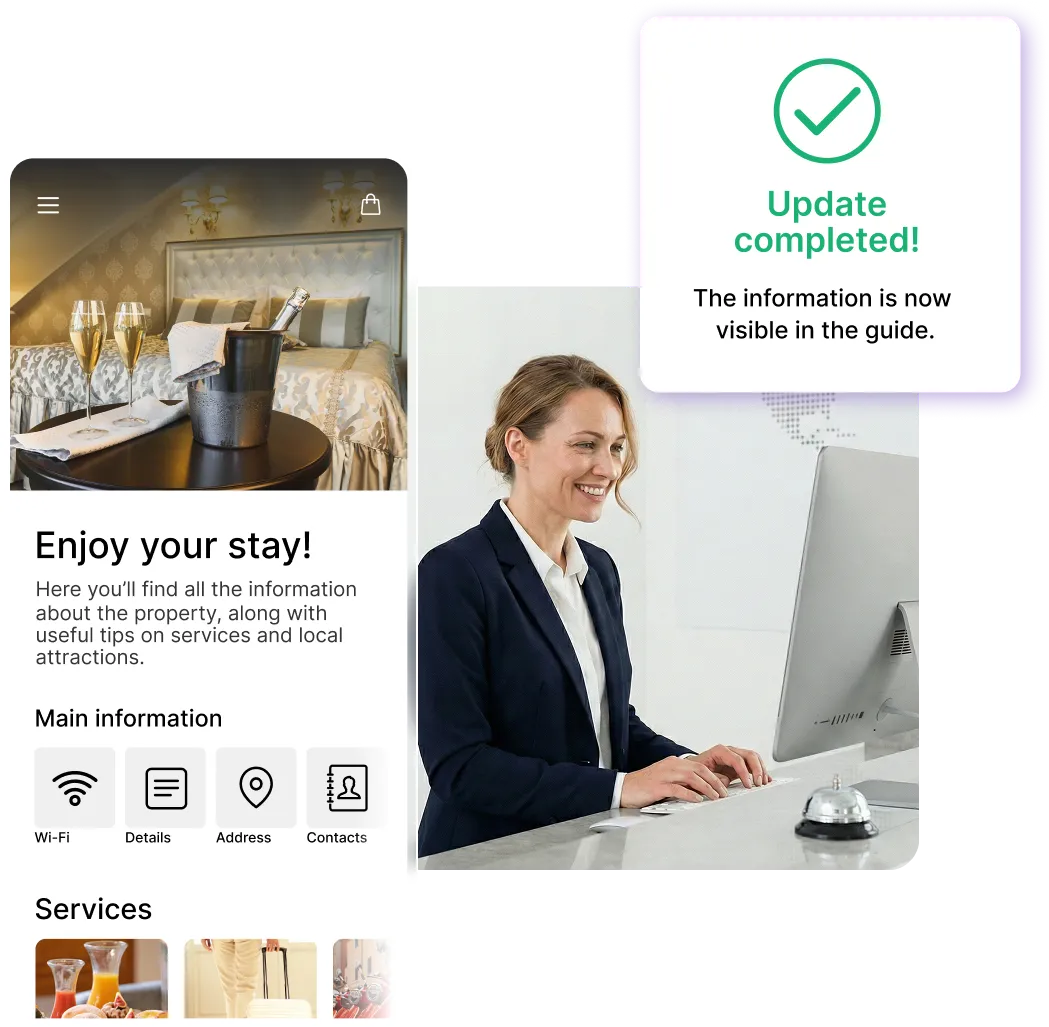
Make changes in just a few clicks from Console NAVOO, and the guide updates automatically.
Sign up for the newsletter and activate NAVOO Digital Guide:
the first month is free.
Before and after NAVOO: what really changes
- Paper menus that need to be reprinted and updated constantly
- Prices, allergens and other details have to be asked to the staff every time
- Food requests scattered across chats, calls, and notes
- Spa bookings managed manually, with a risk of errors
- Dining room and kitchen without a clear summary of the orders
- Menus and treatments are always available on guests’ phones, all in one link
- Photos, prices, duration, allergens and details are always up to date
- Food orders are organized by table or room
- Bookings for menus and treatments can be made directly from the guide
- Ready-to-use summaries for staff, exportable to PDF
See also
Property services
Show services and activities with details and, if you’d like, enable requests directly from the guide.
Local tips and events
Restaurants, attractions, tours and events: authentic tips to help guests enjoy the surrounding area.
Item requests and assistance
Guests can request additional items and ask for assistance with just a few taps, directly from their phone.
See also
Property services
Show services and activities with details and, if you’d like, enable requests directly from the guide.
Local tips and events
Restaurants, attractions, tours and events: authentic tips to help guests enjoy the surrounding area.
Item requests and assistance
Guests can request additional items and ask for assistance with just a few taps, directly from their phone.
- Free activation: no installation and no activation costs
- Self-management: you can set it up in just a few minutes and update it whenever you want
- Flexible: a monthly subscription that you can pause and reactivate whenever you want