
Products
NAVOO Digital Guide
Your property
Prices
Devices compatible with Smart Controller
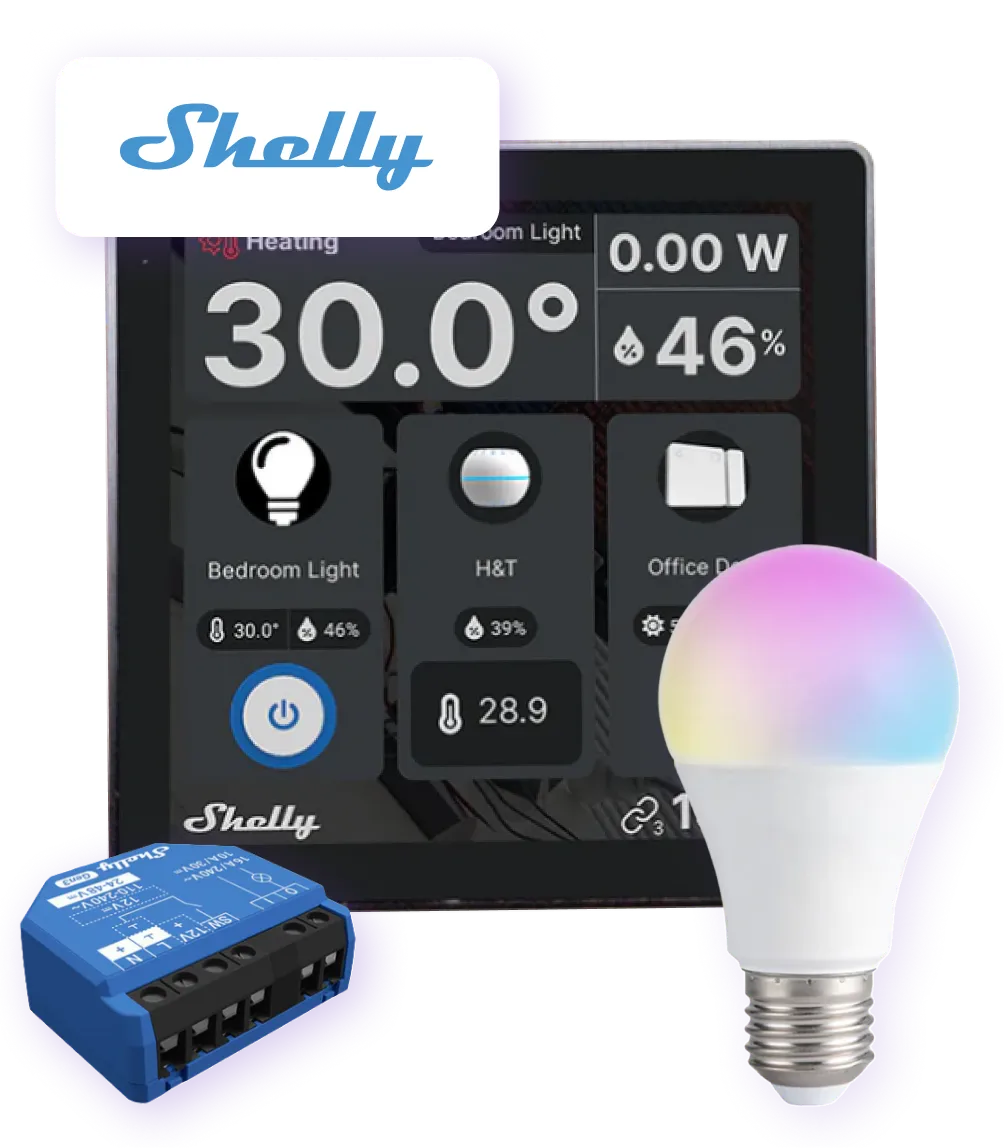
Control all essential Shelly devices for your property, including switches, lights, thermostats and sensors, from a single control panel.
What devices can you connect?
Smart Controller supports Shelly devices and sensors designed to simplify day-to-day automation management for hotels, B&Bs, holiday rentals and apartments.
Power control
The complete family of smart switches and relays to control the power supply of any device.
- Shelly Plug
- Shelly 1 / 1 p.m. / 2 p.m.
- Shelly Pro
Smart lighting
Devices and controls to manage lighting in each indoor or outdoor space.
- Shelly Dimmer
- Shelly Dimmer 0/1-10V PM
- Shelly RGBW / Plus RGBW PM
Climate control systems
Thermostats, sensors, switches and relays that work together to create smart climate control systems.
- Shelly H&T (humidity and temperature sensors)
- Shelly Wall Display (thermostat with touchscreen)
- Shelly TRV (thermostatic valve)
Environmental monitoring
Open doors or windows, motion detected after check-out or temperatures outside the set threshold: all alerts on a single page.
- Door and window sensor
- Motion Sensor
- Smoke Detector
Not sure which devices to choose?
We can help you identify which Shelly devices are best suited for your property, based on the rooms you want to control and the automations you want to set up.
What you can automate and control
Reduce manual intervention and make your Shelly devices work at the right time.
Temperature
Create rules to turn thermostats and air conditioners on, off or adjust them automatically, both before check-in and after check-out.
Lights and other devices
Control lights and automation systems automatically, all from a single control panel, even from a smartphone.
Doors and windows
View real-time alerts about doors and windows left open after check-out.
Motion
Check whether motion is detected after check-out, so you can understand whether it was caused by staff, the owner or an unauthorized person.
Activating Smart Controller is easier than you think
Connect your Shelly devices
In the NAVOO Console, create your properties (apartments, vacation homes, rooms, etc.) and connect your existing Shelly devices: outlets, relays, lights, thermostats, and sensors.
Create Your Own Automatic Rules
For each Shelly device, specify what should happen, how it should be set up, and when, based on check-in and check-out times.
Connect your PMS
The dates of all reservations are automatically downloaded and serve as the basis for applying the automatic rules.
Monitor everything from a single page
View the status of each device in real time: power status, settings, connection, and alerts. Get an at-a-glance view of all your properties and their occupancy status, no matter where you are—even from your smartphone.
Connect your Shelly devices
In the NAVOO Console, create your properties, such as apartments, holiday rentals, rooms and more, and connect your existing Shelly devices: switches, relays, lights, thermostats and sensors.
Create your automatic rules
For each Shelly device, decide what should happen, how it should behave and when, based on check-in and check-out times.
Connect your PMS
Reservation dates are automatically synced and used to apply the automation rules.
Monitor everything from a single page
View the status of each device in real time: power, settings, connection and alerts. Get an at-a-glance view of all your properties and their occupancy status, wherever you are, even from your smartphone.
Start managing your Shelly devices automatically and keep everything under control in the NAVOO Console.
- No initial activation fee
- Configure and update with just a few clicks
- Flexible monthly subscription: pause and reactivate it at any time