

Products
NAVOO Digital Guide
Your property
Prices
NAVOO Digital Guide for your hotel
NAVOO Digital Guide is a digital guide for your guests, accessible from any smartphone. It helps guests find information, request support and discover local tips independently, reducing repetitive requests.
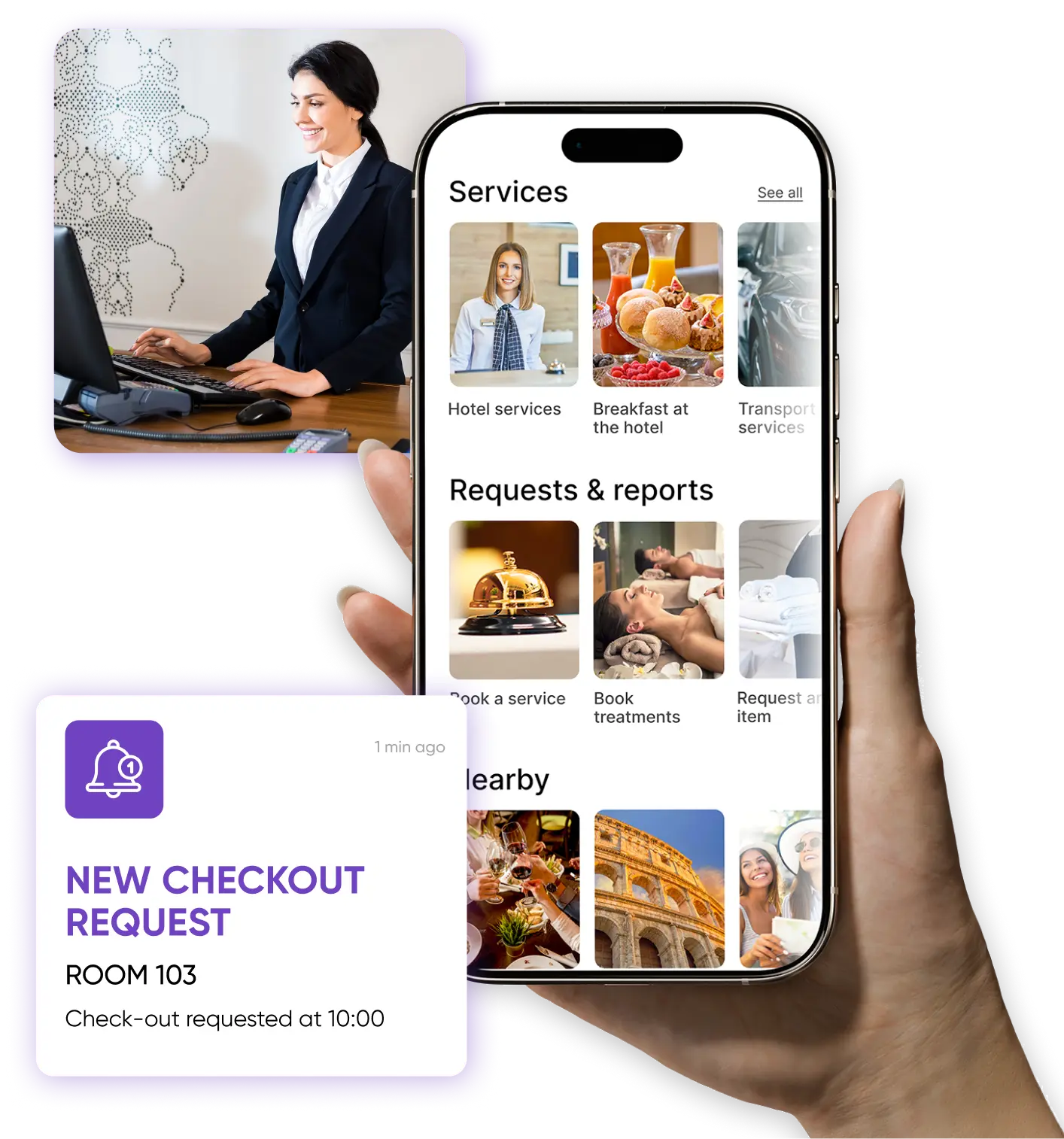
Before and after NAVOO Digital Guide
- The same questions arrive at reception every day
- Services and information need to be explained each time
- Every communication is handled manually, by phone, messages, email or printed material
- Every update means editing and handing out another sheet
- Guests find information, services and useful contacts on their own
- Content is centralized and always available from guests’ phones
- Requests come in in a more organized and manageable way
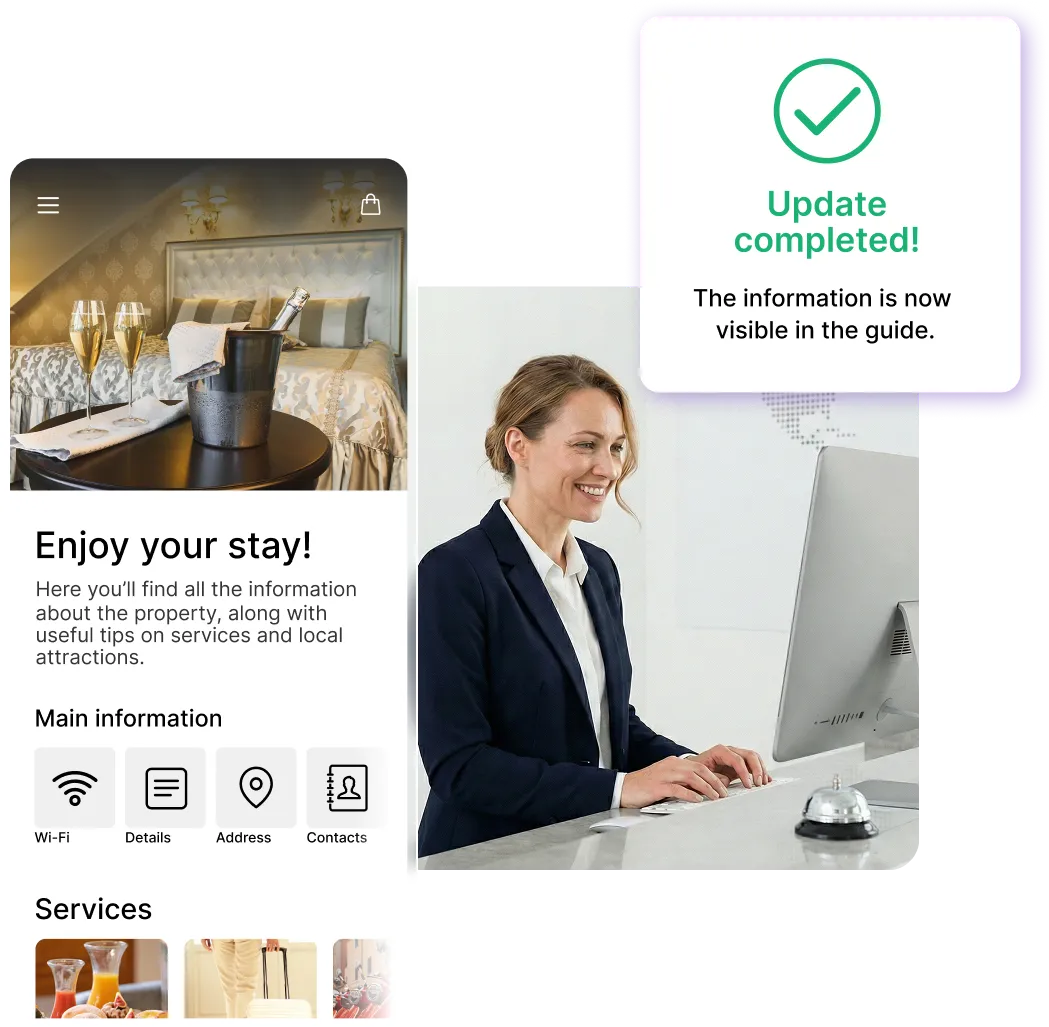
- Update it once from the control panel, and everything stays aligned
Sign up for the newsletter and activate NAVOO Digital Guide:
the first month is free.
Here's how
works (in 3 steps)
Here's how it works (in 3 steps)
NAVOO Digital Guide is a webapp: it opens from a link in the browser, with no app to download.
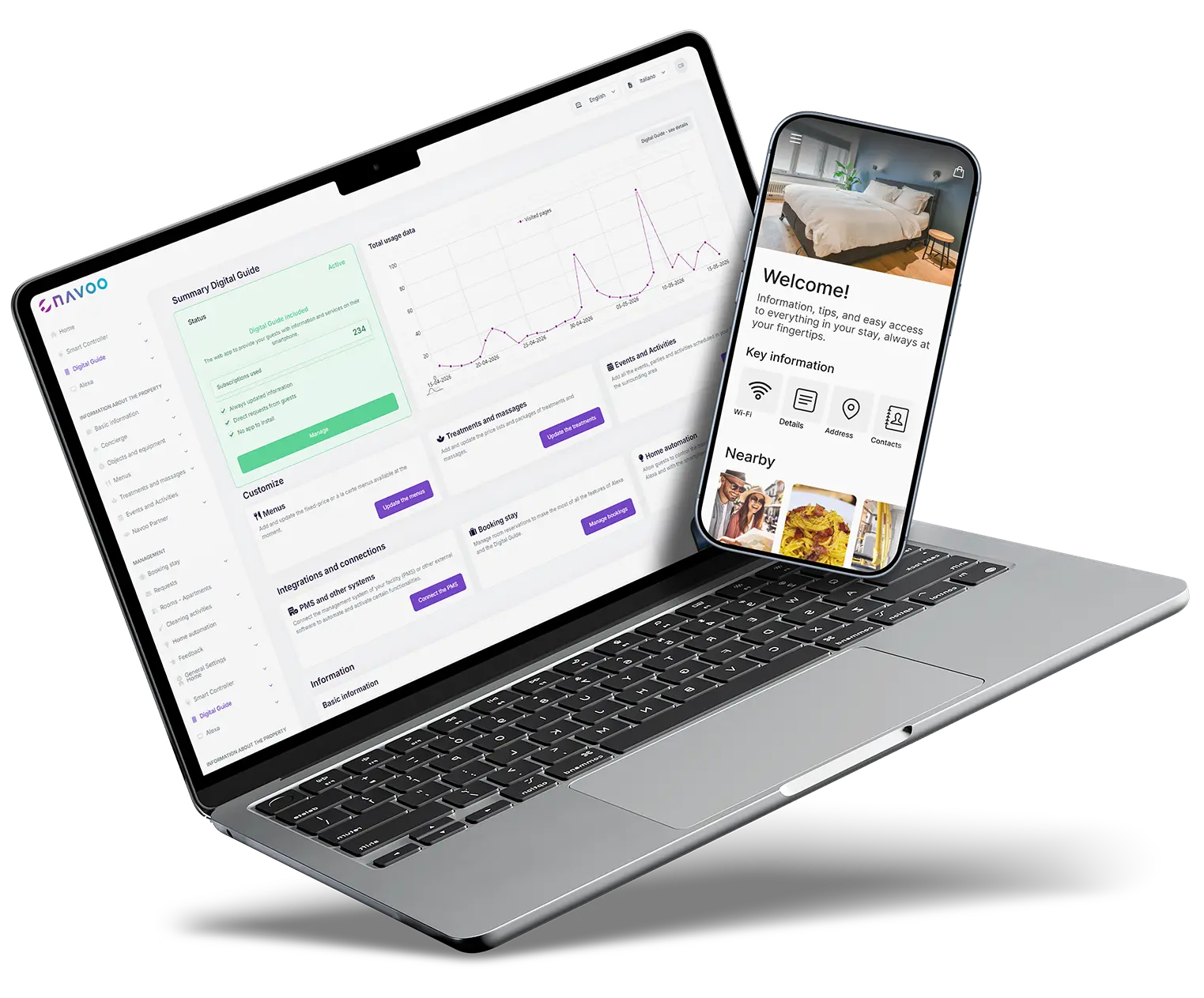
You manage it from Console NAVOO: you create, update and publish what your guests see.
1
CREATE THE GUIDE FROM CONSOLE NAVOO
Enter rules, Wi-Fi information, hours, menus, or extra services.
All in a simple, well-organized interface.
2
The Guide updates
AUTOMATICALLY
After every change made in the dashboard, the guide updates instantly, so guests can always find what they need.
3
MANAGE AND MONITOR RESULTS
Track requests, savings, and response times using the built-in statistics.
A single tool for services, guests and staff
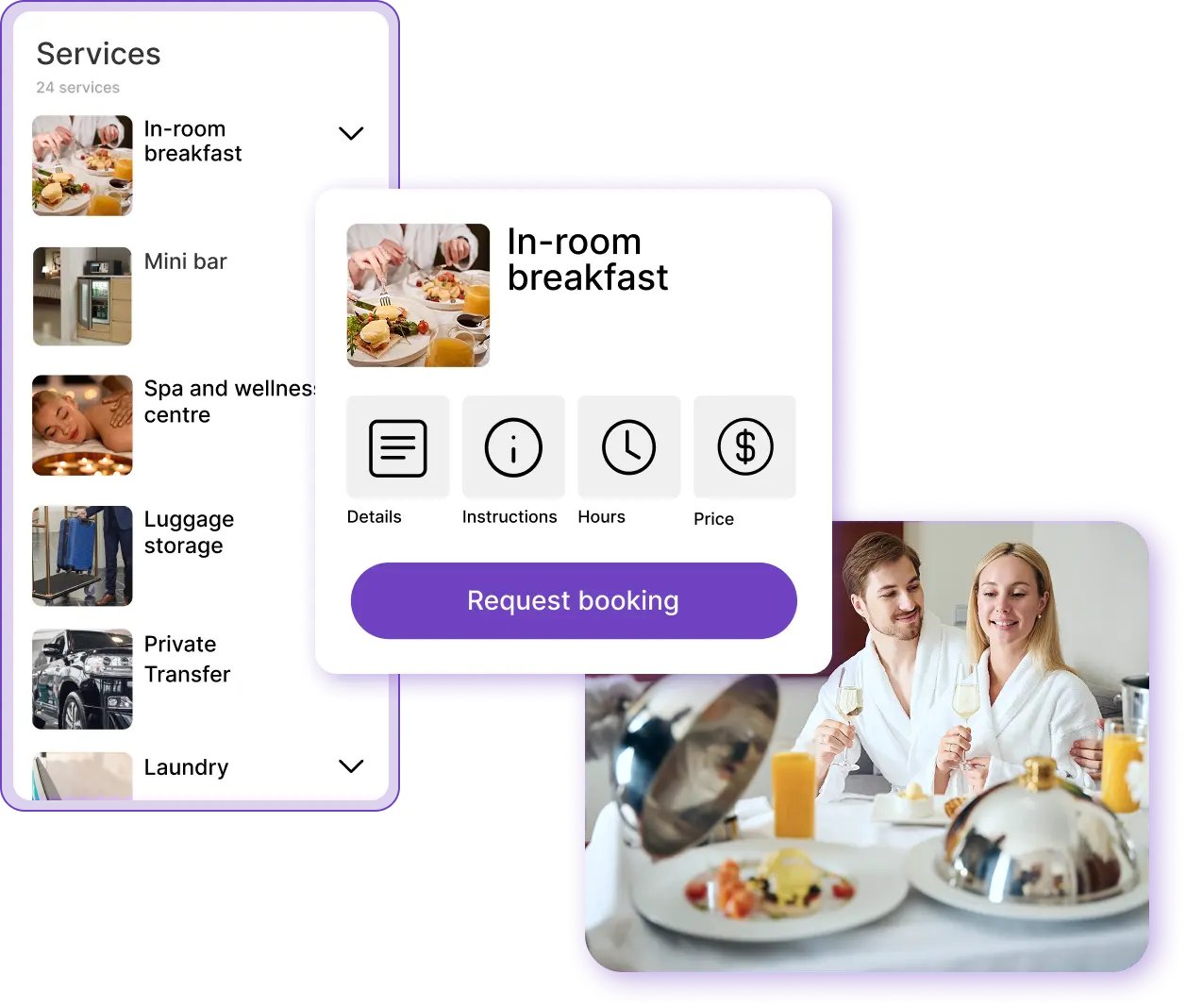
Services and bookings
- Breakfast, spa, transfers and paid extras are added to your hotel guide
- Bookings arrive directly from the guide
- Less work for the front desk, more use of services
From special requests to services, NAVOO Digital Guide makes hotel management more organized and less repetitive. Guests can view menus, treatments, paid services and useful options directly from the guide, then send requests or bookings independently. This reduces calls, messages and manual steps.
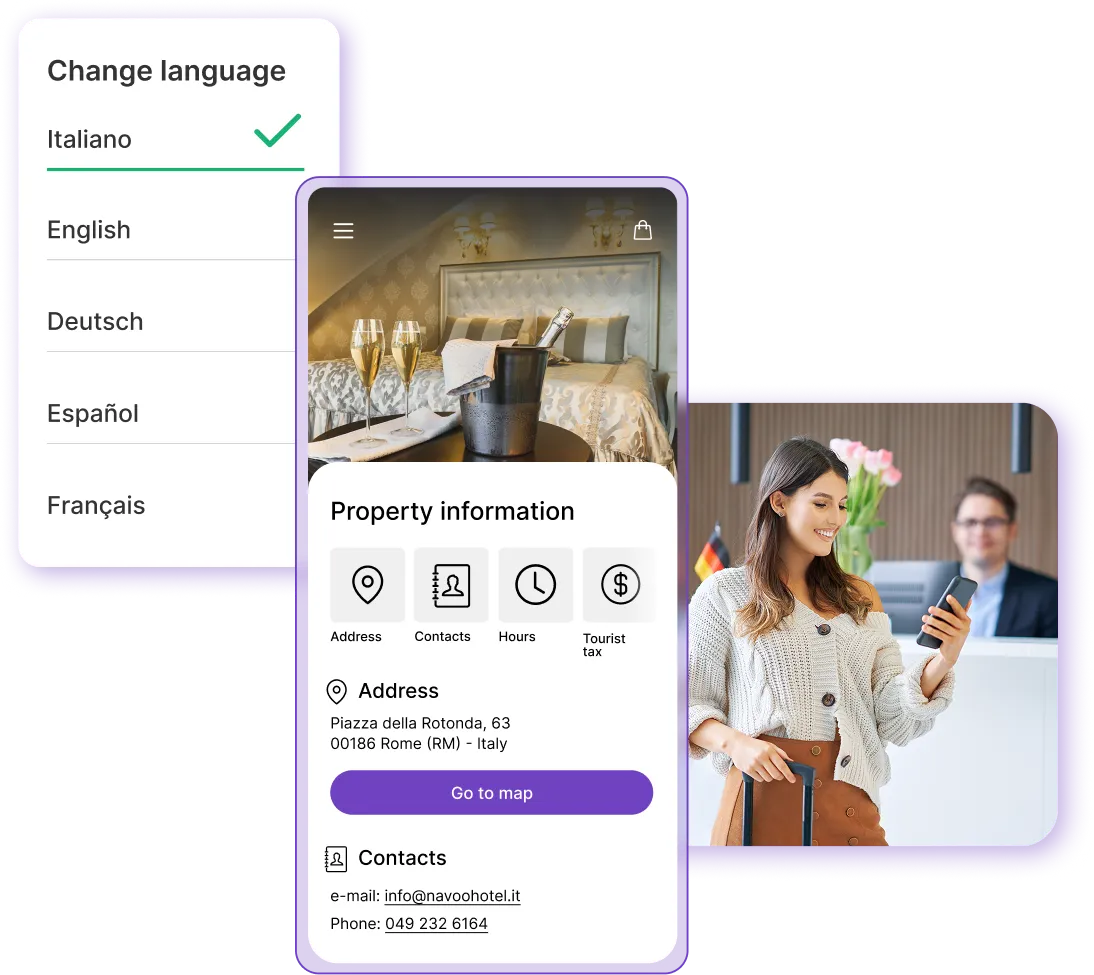
Information for guests
- All the information guests need, always available
- Fewer repetitive questions at the front desk
- Content is also available in multiple languages
With NAVOO Digital Guide, guests can immediately find the information they need during their stay, without having to ask at reception every time.
Wi-Fi, opening hours, services, check-out and other useful information are always up to date and easy to access from their phone.
Staff and departments
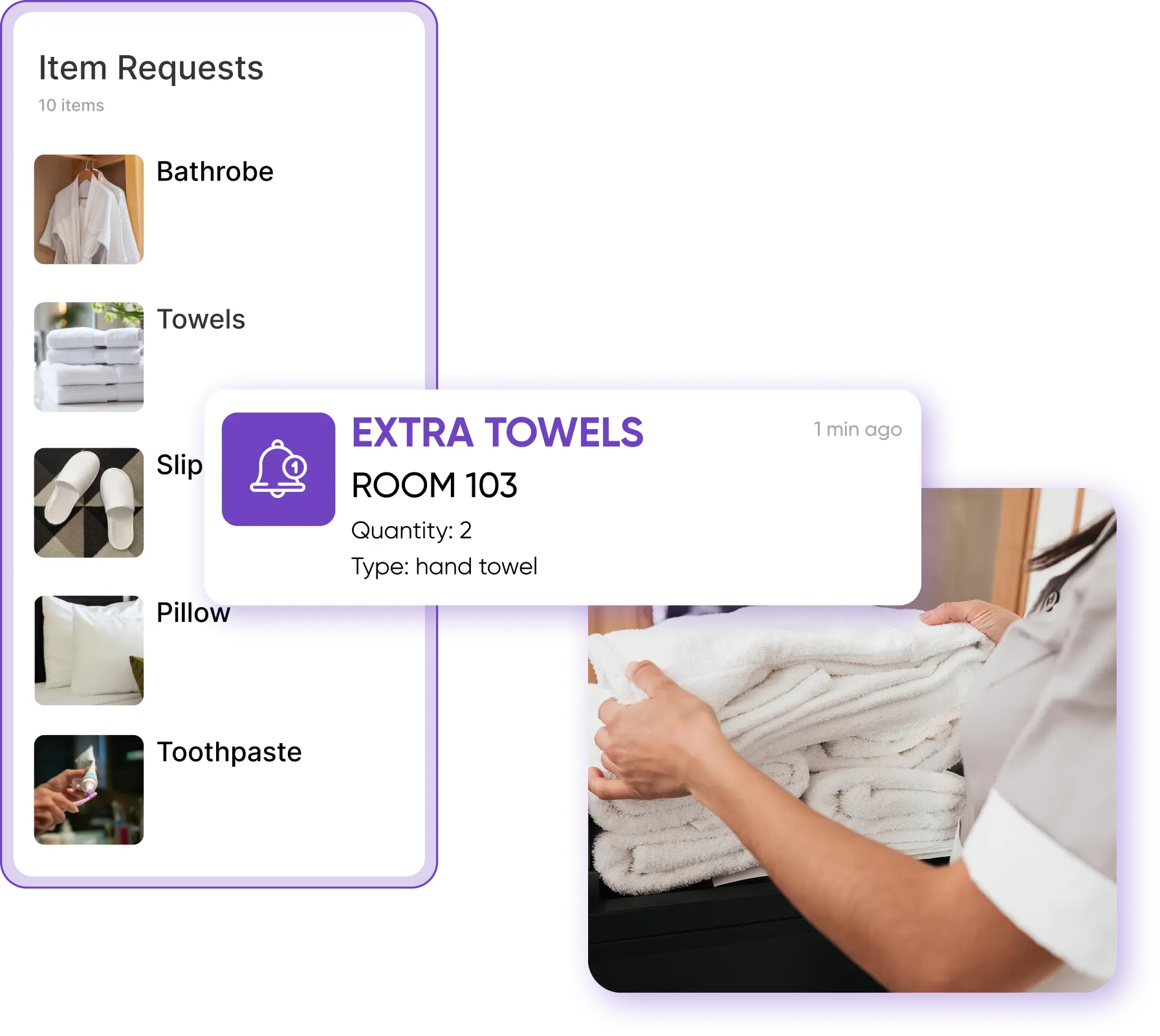
- Requests are routed immediately to the right department
- Items, assistance requests and services are tracked
- Everything is visible in real time from Console NAVOO
With NAVOO Digital Guide, requests can be managed more efficiently, without everything passing through reception.
Services, assistance requests and items requested by guests are routed to the right team, with notifications sent by email or SMS, and remain accessible from Console NAVOO for continuous monitoring.
Would you like to see all the details?
Would you like to automate smart room management?
With Smart Controller, you can manage devices, sensors and automations from Console NAVOO.
Staff can reduce manual room-by-room checks and automate turn-ons, turn-offs and adjustments based on check-in and check-out times.
Temperature
Create rules to turn on, turn off, and automatically adjust thermostats and air conditioners, both before check-in and after check-out.
Lights and other devices
Control lights and automation systems automatically, but step in manually when needed. All from a single control panel, even from your smartphone.
Open windows
View real-time alerts about windows left open after checkout.
Device monitoring and issues
Console NAVOO displays devices that are still active, temperatures outside the set threshold and situations that require attention, so staff can respond more quickly.
Automatically import bookings into Console NAVOO to enable additional features in the digital guide.
- No installation, no activation costs
- You can set it up yourself and activate it whenever you want
- Flexible monthly subscription that you can pause at any time
Do you have any questions?
Do guests need to download an app?
No. NAVOO Digital Guide works directly in the browser, with no need to download any apps. Guests can access it via a link or QR code and immediately find all the available information and services.
Can I try it for free?
Yes. You can try NAVOO Digital Guide for free with the demo, so you can see how it works before activating it at your facility.
If you sign up for the newsletter, you can activate NAVOO Digital Guide and use the service for free for the first month.
Does it integrate with my PMS?
NAVOO Digital Guide is compatible with the industry’s leading PMS systems. If your business management software isn’t integrated yet, you can still contact us to find the best solution for you.
Do I need a technician to set it up?
No. You can create and update it yourself from the control panel in just a few minutes. If you’d like, you can still request support for custom settings.
Can I pause it whenever I want?
Yes. If your business is seasonal or you don’t need the service during certain periods, you can pause your subscription and reactivate it later. Your content will remain saved.
How much does it cost?
The cost depends on the solution you’ve activated and the type of facility. You can check the pricing page to see the details and find the offer that best suits your needs.
Still have doubts? Write to us and we will help you.
