

Products
NAVOO Digital Guide
Your property
Prices
NAVOO Digital Guide for your B&B
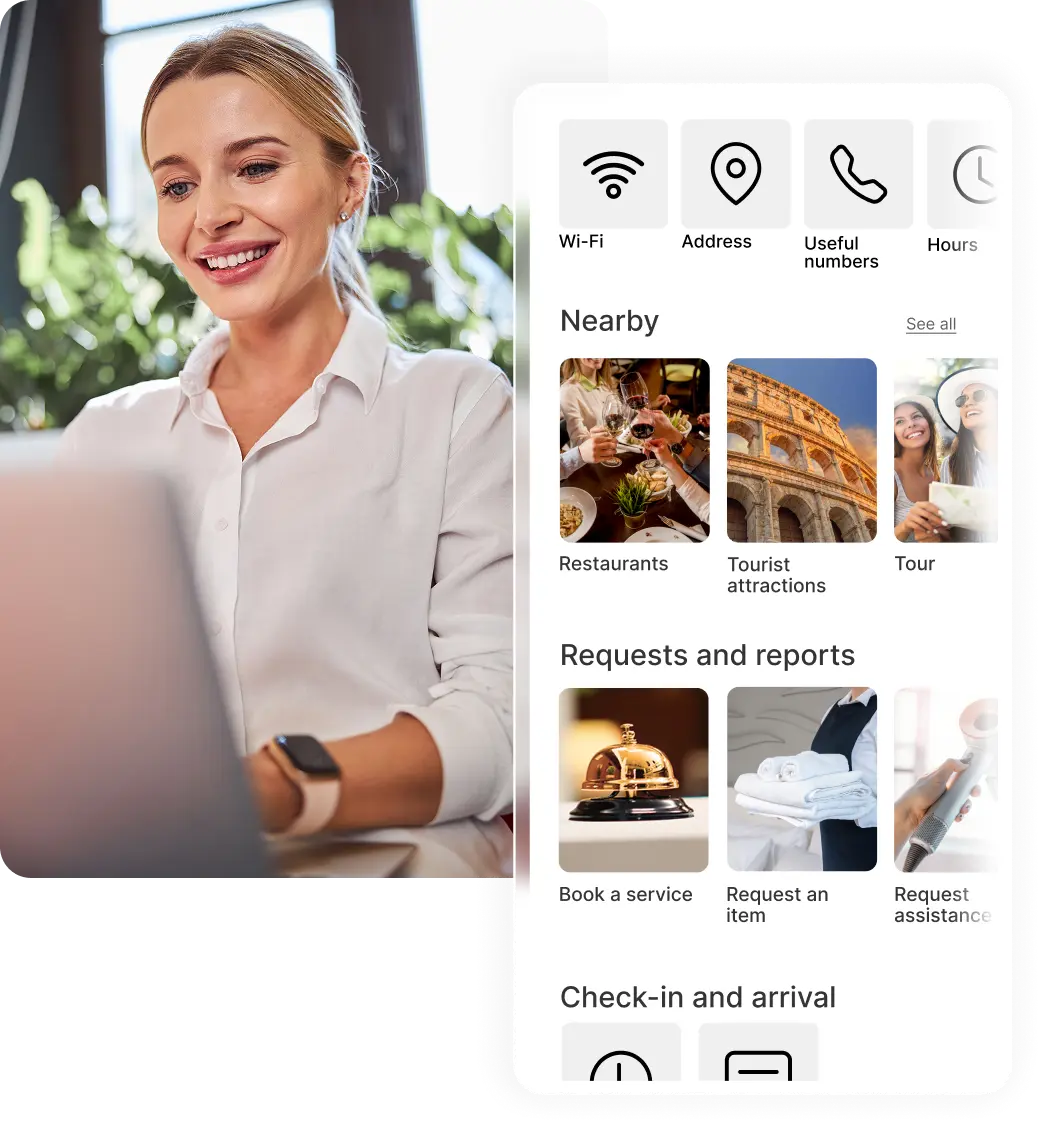
NAVOO Digital Guide is a digital guide for B&Bs, accessible from any smartphone via link or QR code.
It helps share useful information, local tips and services all in one place, reducing repetitive messages and manual requests.
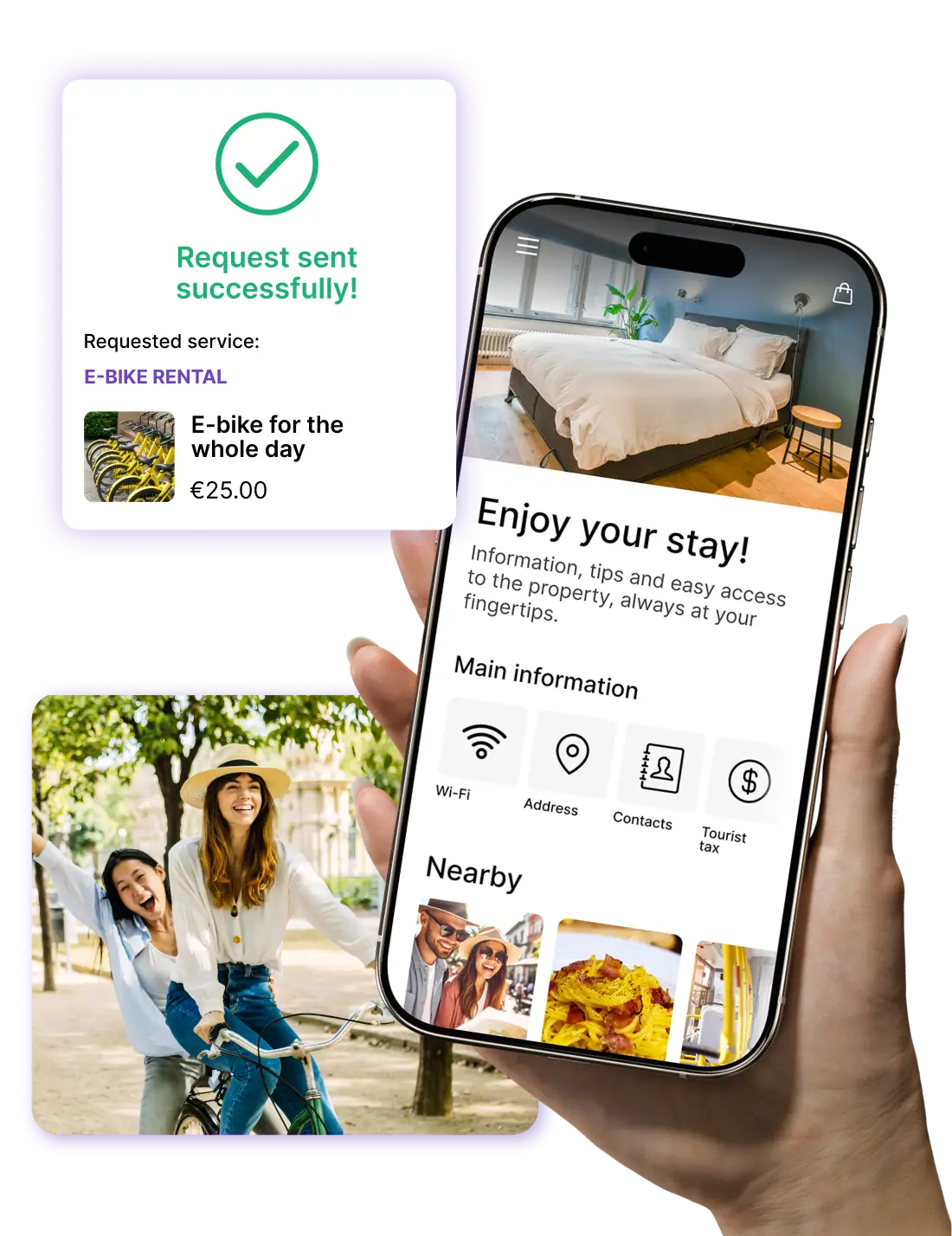
Before and after NAVOO Digital Guide
- Guests ask for Wi-Fi or information you have already sent by message
- Messages and requests pile up and slow down day-to-day property management
- Every detail of the stay must be retrieved or explained again manually
- Keeping everything up to date requires more attention, time, and extra steps
- Share everything in one easy-to-navigate space
- Minimize repetitive messages and requests during your stay
- Offer guests a clearer, more organized, and self-guided welcome
- Update once from the dashboard, and the changes are immediately visible to all guests
Sign up for the newsletter and activate NAVOO Digital Guide:
the first month is free.
Here's how
works (in 3 steps)
Here's how it works (in 3 steps)
NAVOO Digital Guide is a webapp: it opens from a link in the browser, with no app to download.
You manage it from Console NAVOO.
Here you can enter and update all the information about your B&B, such as access, Wi-Fi, breakfast times, house rules and local recommendations.
It’s easy, fast and requires no technical skills.
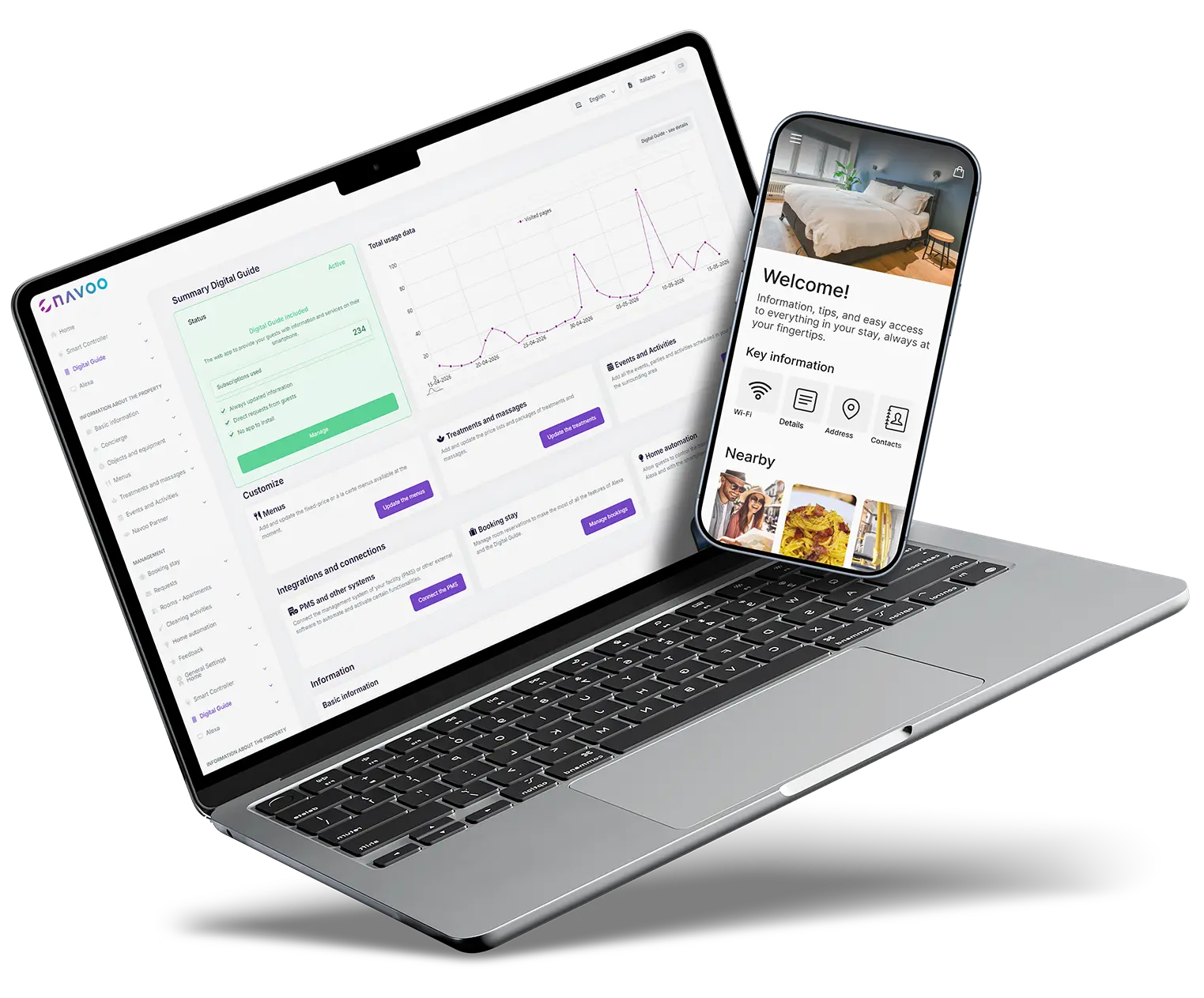
1
CREATE THE GUIDE FROM CONSOLE NAVOO
Enter the key details about your B&B using a simple, step-by-step interface designed to help you organize everything clearly.
2
The Guide updates
AUTOMATICALLY
Every saved change is immediately available in the guide, so you only need to update it once for every guest to see it.
3
Manage information and track results
Centralize useful content and guest requests and, thanks to built-in statistics, get a clearer picture of how the guide is being used.
Everything you need to manage your B&B better
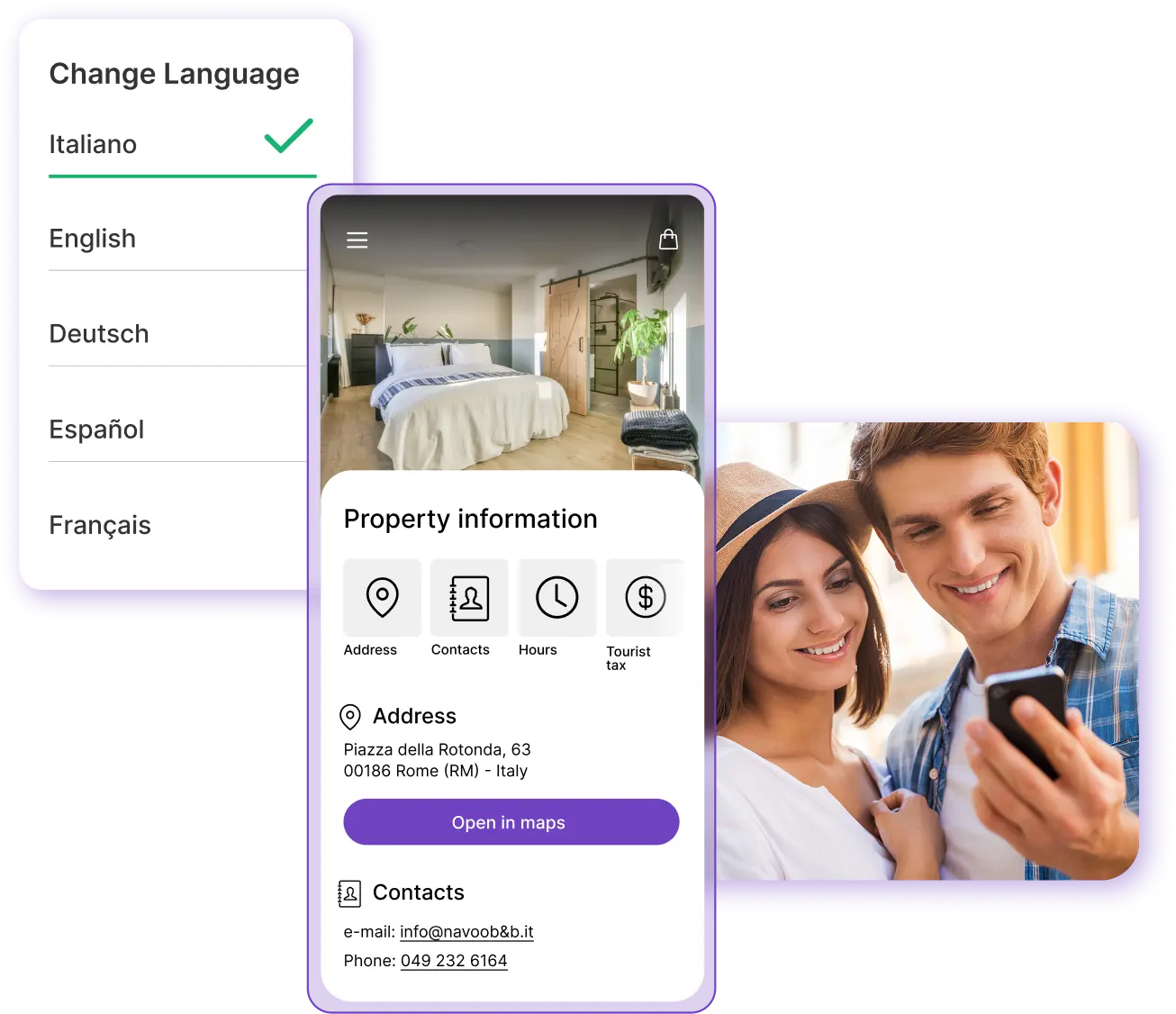
Information always available and easier management
- All the information guests need is always available
- Fewer repetitive calls and messages to deal with
- Content available in multiple languages for international guests
With NAVOO Digital Guide, you can bring together all the most useful information about the stay in one place. Guests can find what they need more easily, and you can reduce repetitive requests, manual updates and scattered communications.
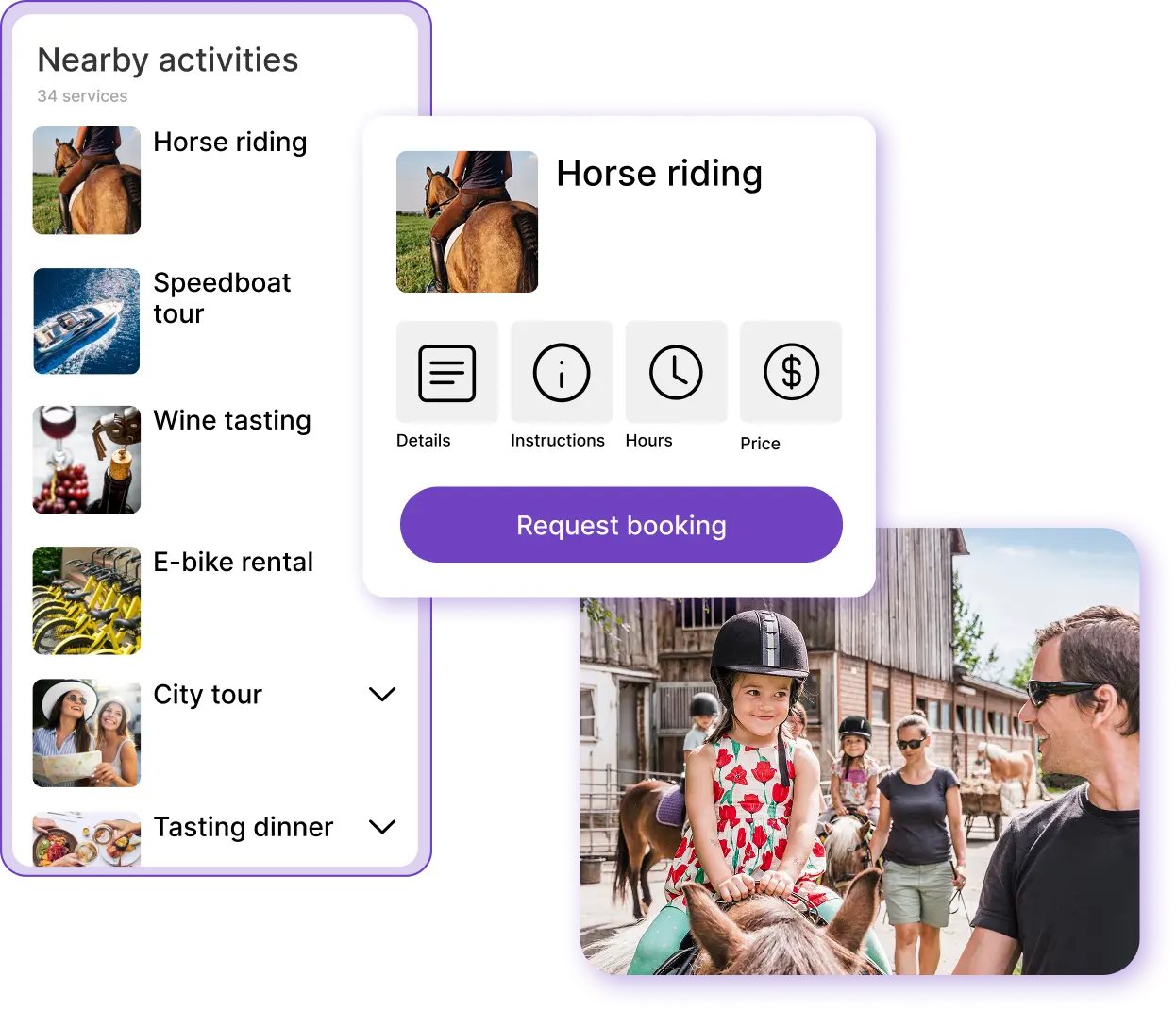
Tips, activities and experiences to suggest to guests
- Suggest restaurants, transport options and activities of your choice
- Enrich the guide more quickly with ready-made content
- Guests can submit booking requests directly from the guide
With NAVOO Digital Guide, you can share local tips, partnerships, activities and experiences in one easy-to-navigate space. Thanks to solutions like Viator and Freedome, you can expand your guide more quickly without having to build everything from scratch.
Would you like to see all the details?
Would you like to automate smart room management for your B&B?
With Smart Controller, you can manage devices, sensors and automations from Console NAVOO.
You can automate turn-ons, turn-offs and adjustments based on check-in and check-out times.
Temperature
Create rules to turn on, turn off, and automatically adjust thermostats and air conditioners, both before check-in and after check-out.
Lights and other devices
Control lights and automation systems automatically, but step in manually when needed. All from a single control panel, even from your smartphone.
Doors and windows
View real-time alerts about doors and windows left open after check-out.
Motion
Check whether there has been any movement after check-out or activity by staff, for more control and visibility.
- No installation, no activation costs
- You can set it up yourself and activate it whenever you want
- Flexible monthly subscription that you can pause at any time
Do you have any questions?
Do guests need to download an app?
No, guests can access the NAVOO Digital Guide directly from their browser, via a link or QR code.
Can I update it on my own?
Yes, you can quickly and easily edit content and information from the control panel.
Is it also suitable for a small B&B?
Yes, it’s also designed for small businesses that want to better manage information, services, and communication with guests.
Can guests use it in multiple languages?
Yes, the guide is available in multiple languages, making it easier to understand for international guests as well.
Can I pause when I want to?
Yes. If your business is seasonal or you don’t need the service during certain periods, you can pause your subscription and reactivate it later. Your content will remain saved.
How much does it cost?
The cost depends on the solution you’ve activated and the type of facility. You can check the pricing page to see the details and find the offer that best suits your needs.
Still have doubts? Write to us and we will help you.
