Prodotti
NAVOO Digital Guide
La tua struttura
Give guests smart control of their room from their phone
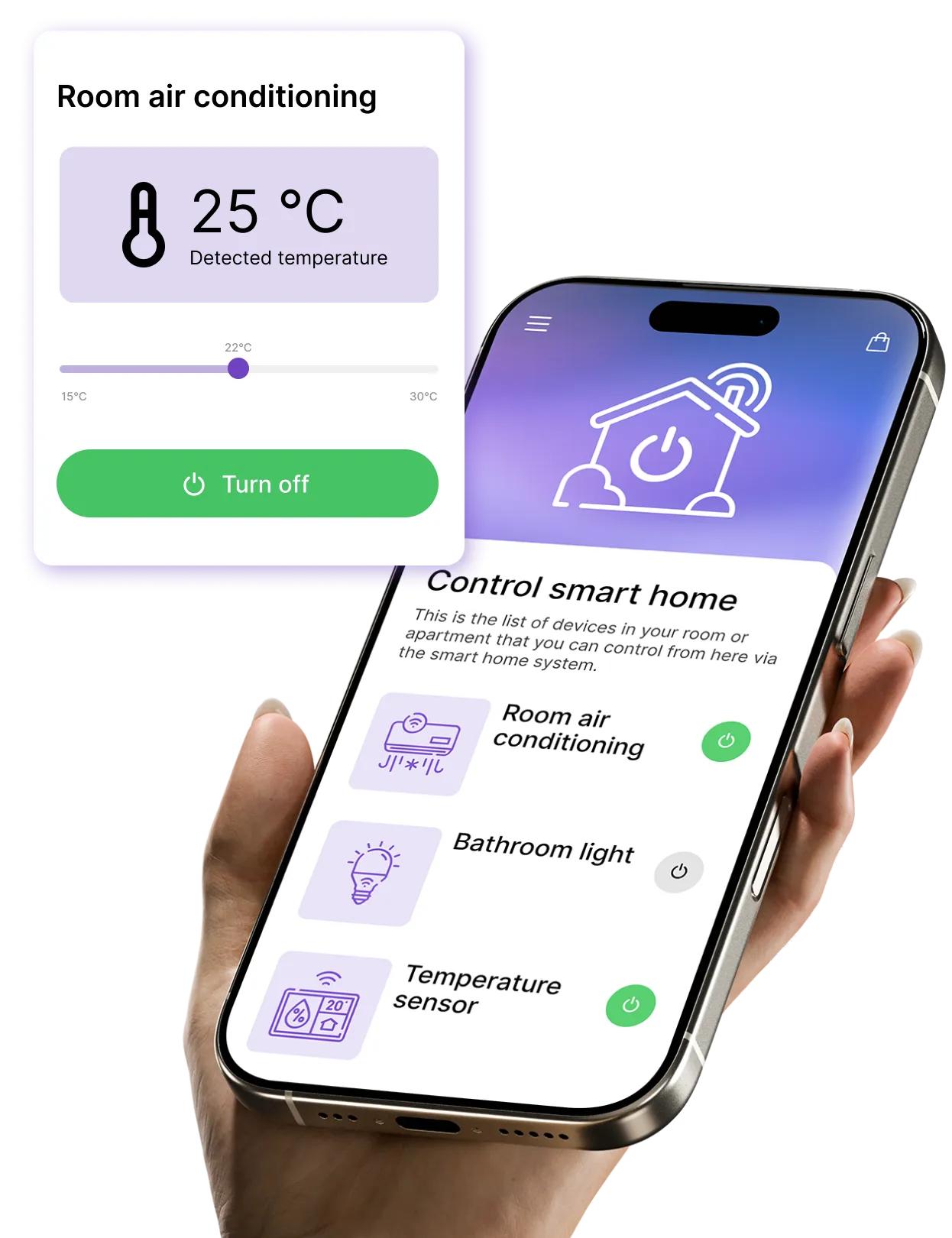
With NAVOO Digital Guide, guests can control room devices — including lights, temperature, curtains and compatible devices — from their smartphone, without downloading an app.
What guests can control from the guide
With NAVOO Digital Guide, you can integrate systems such as Shelly or STS and give guests control over the devices in their room.
Lights
Turn room lights on and off
Brightness
adjust the light intensity
Heating
Turn it on or off and adjust the temperature
Curtains
Open and close motorized blinds
Thermostat
Set the desired temperature
Air conditioning
Turn it on or off and adjust the temperature
You can add other compatible devices and decide what each room or apartment can control.
Would you like to automate the management of your property?
With NAVOO Digital Guide, guests can control lights, heating, and air conditioning from their smartphones.
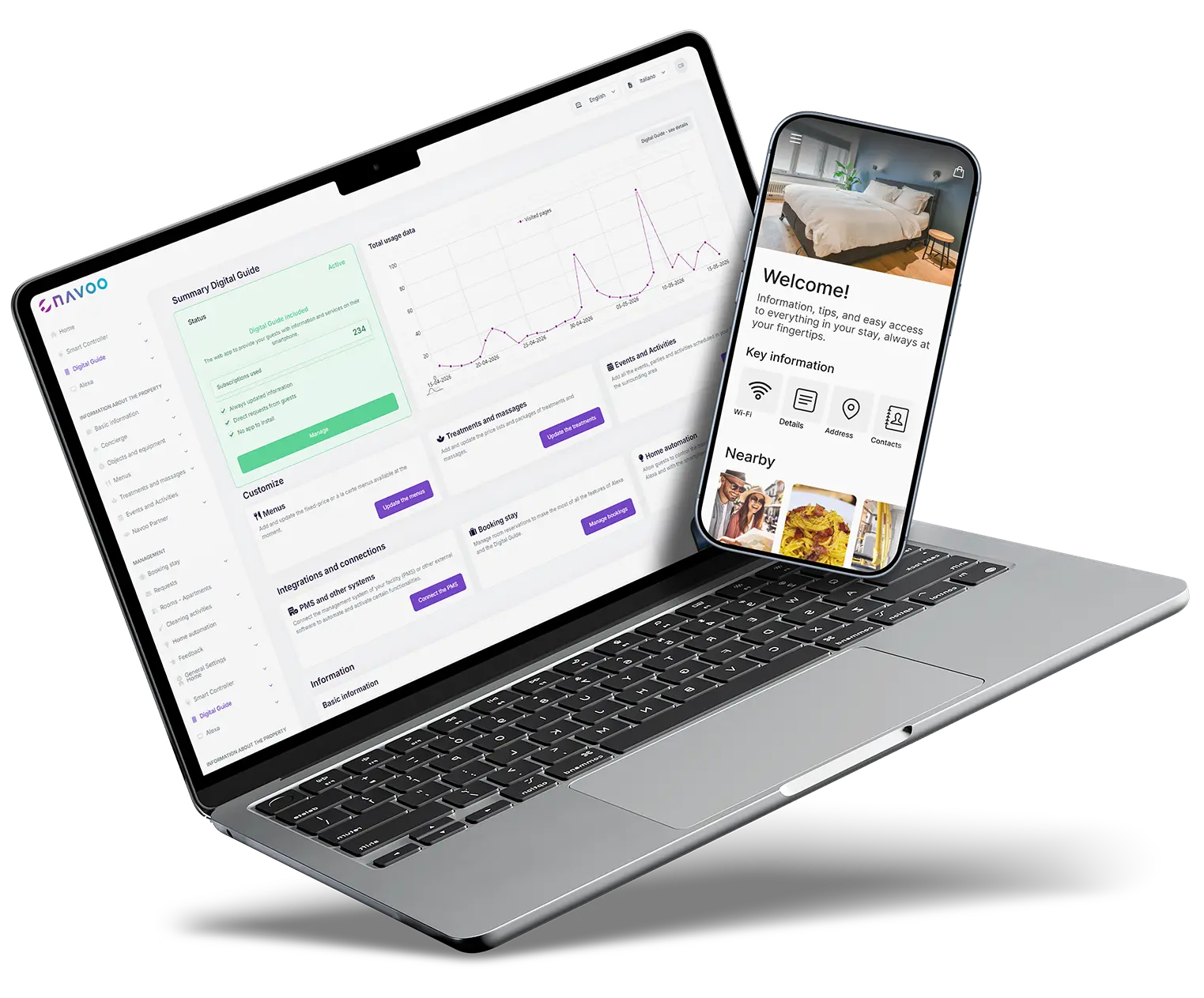
With Smart Controller, you can set up automations yourself: devices turn on, turn off or adjust at the right time, based on check-in and check-out times, reducing manual checks and energy waste.

Temperature
Create rules to turn thermostats and air conditioners on, off or adjust them automatically, both before check-in and after check-out.
Lights and other devices
Control lights and automation systems automatically, all from a single control panel — even from a smartphone.
Doors and windows
View alerts about doors and windows left open after check-out.
Motion
Check whether motion is detected after check-out, so you can understand whether it was caused by staff, the owner or an unauthorized person.
Here's how
works (in 3 steps)
Here's how it works (in 3 steps)
NAVOO Digital Guide is a web app: guests can open it from a link in their browser, without downloading an app.
You set it up from the control panel, and guests can control the room from their phone: lights, climate and curtains, in just a few seconds.
1
CONNECT THE DEVICES TO THE CONTROL PANEL
Connect lights, climate control, and blinds to the control panel in just a few clicks.
Everything is guided, step by step.
2
ASSIGN DEVICES TO THE RIGHT ROOM
From that point on, each guest will only find the controls for their own room in the guide.
3
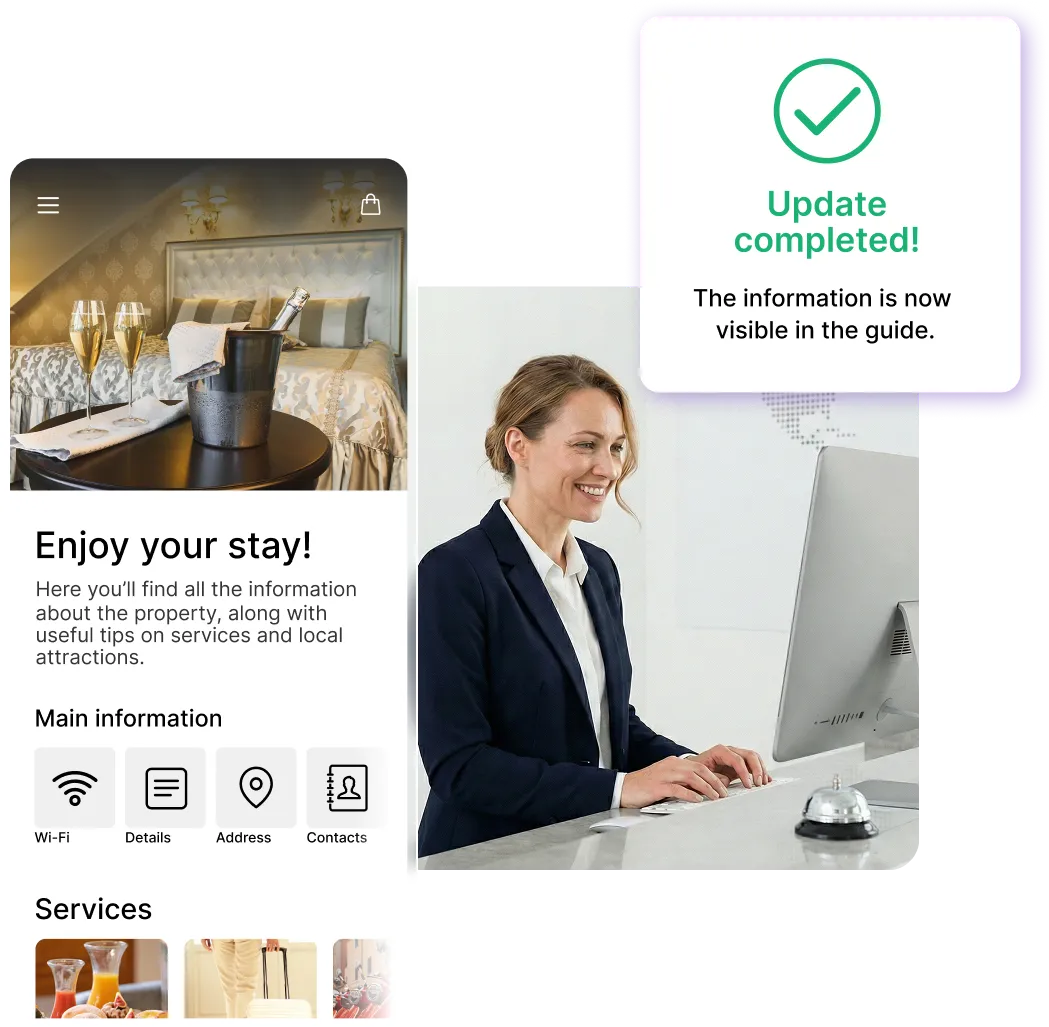
Update whenever
you want, on your own
Do you want to move, add or remove devices? You can edit everything from the dashboard in just a few seconds, and the guide updates automatically.
Sign up for the newsletter and activate NAVOO Digital Guide:
the first month is free.
See also
Items and maintenance
Guests request additional items and report issues directly from their smartphones.
Food and Wellness
Menus and treatments are always available, with requests sent directly from the guide.
Requests and reservations
Additional services and reservations: guests can request what they need directly from the guide.
See also
Items and maintenance
Guests can request additional items and report issues with just a few taps, right from their phones.
Food and Wellness
Menus and treatments are always available, with requests sent directly from the guide.
Requests and reservations
Additional services and reservations: guests can request what they need directly from the guide.
- Free activation: no installation and no upfront costs
- Self-management: you can set it up in just a few minutes and update it whenever you want
- Flexible: a monthly subscription that you can pause and reactivate whenever you want