
Products
NAVOO Digital Guide
Your property
Prices
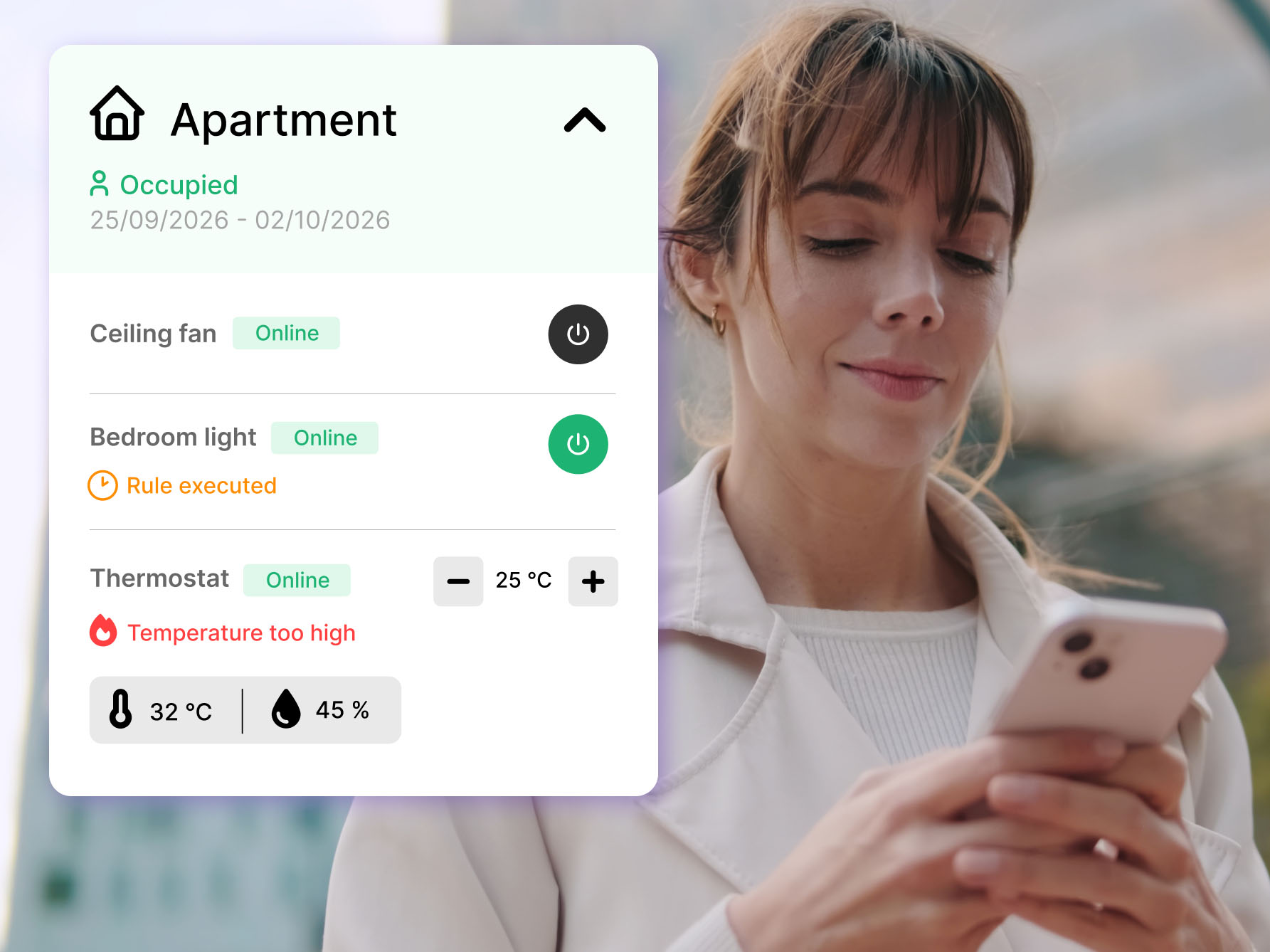
During the day, you may need to check a smart device while you’re away from the property or simply don’t have access to a computer.
On a phone, even a quick check can become inconvenient if you have to jump between different apps, search through a long list of connected devices and then open yet another app to make a change.
With Smart Controller, you can manage everything directly from your smartphone. Your accommodations and their connected smart devices are clearly organized and easy to access from a single page.
All the information you need, always within reach
From your smartphone, you can see all the accommodations connected to Smart Controller, keep track of current and upcoming stays and view the smart devices available in each one.
Devices are organized by accommodation, so you immediately know where each one is located. You can also check each device’s status and main settings.
From a single screen, you can see:
- all your connected accommodations;
- stay information;
- the smart devices in each accommodation;
- the status and settings of each device.
This makes it easy to find the information you need and manage smart devices across multiple accommodations.
Turn smart devices on, off and adjust their settings from your smartphone
Having all the information in one place is only the beginning. With Smart Controller, you can also control your devices directly, without switching screens or opening other apps.
You can turn lights, plugs and other compatible devices on or off, change their settings and check any alerts, all from within the accommodation they belong to in Smart Controller.
If you use compatible Shelly devices, you can control them directly from Smart Controller without having to open the Shelly app every time.
From checking a device to making a change, everything happens in the same place — directly from your smartphone.
What about recurring tasks? Automate them from the NAVOO Console
So far, we’ve looked at what you can check and manage from your smartphone. But Smart Controller can also automate the tasks that come up with every stay, so you don’t have to repeat them manually each time.
Automations are set up in the NAVOO Console, which you can access from any computer through your browser, with nothing to install. Here, you can create rules and decide in advance how your smart devices should behave at different stages of a stay.
Once the rules are set, the actions happen automatically. For example:
- before check-in, the thermostat or air conditioning can switch on and reach the temperature you’ve chosen before guests arrive;
- at check-out, lights, plugs, air conditioning and other devices can switch off automatically, without you having to manage them one by one.
Rules can be customized for each room or accommodation, so you can choose which devices should switch on or off, what settings they should use and when each action should happen.
The NAVOO Console also shows alerts for devices, sensors or situations that may need your attention.
With or without a PMS: Smart Controller fits the way you work
If you manage bookings through a PMS that connects to the NAVOO Console, stay information is synchronized automatically. Smart Controller knows when check-ins and check-outs are scheduled and can use that information to run the rules you’ve set.
Don’t use a PMS? You can still use automations by manually entering stay dates in the NAVOO Console.
Either way, you can plan how your smart devices should behave in advance and let the right actions happen automatically at the right time.
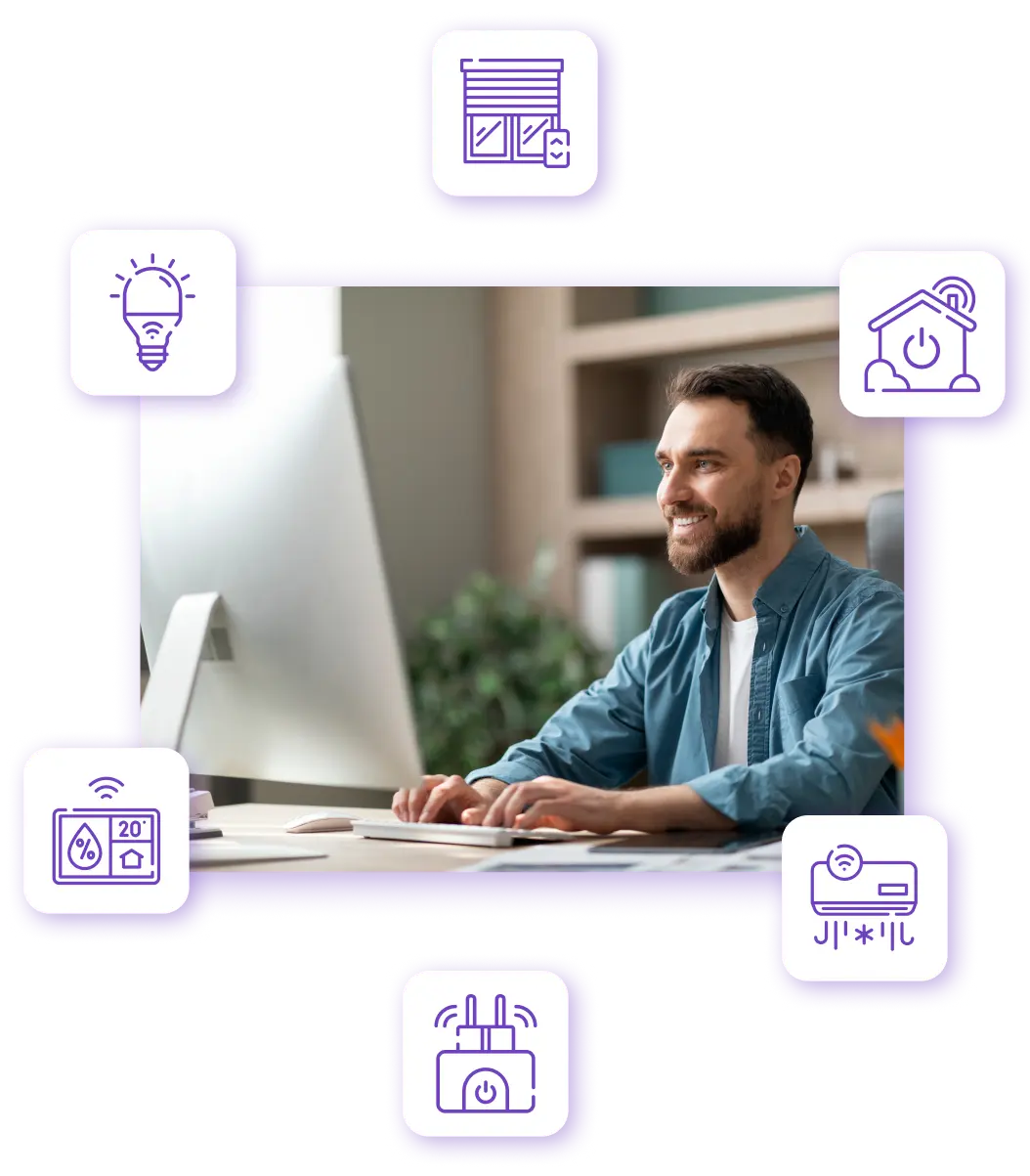
With Smart Controller, you can check accommodations and smart devices from your smartphone, while recurring tasks can be automated from the NAVOO Console.
Find out more about Smart Controller
Check which devices you can connect, learn how to manage them from the NAVOO Console and find the plan that best suits your property.
Compatible devices
Discover which Shelly devices you can connect to manage lights, sockets, thermostats, air conditioning and sensors.
Console and integrations
Learn how to control devices, create automations and connect your PMS from a single dashboard.
Plans and subscriptions
Choose the solution that best suits your property, with a flexible subscription that you can pause and reactivate.
